 Fixated on Home
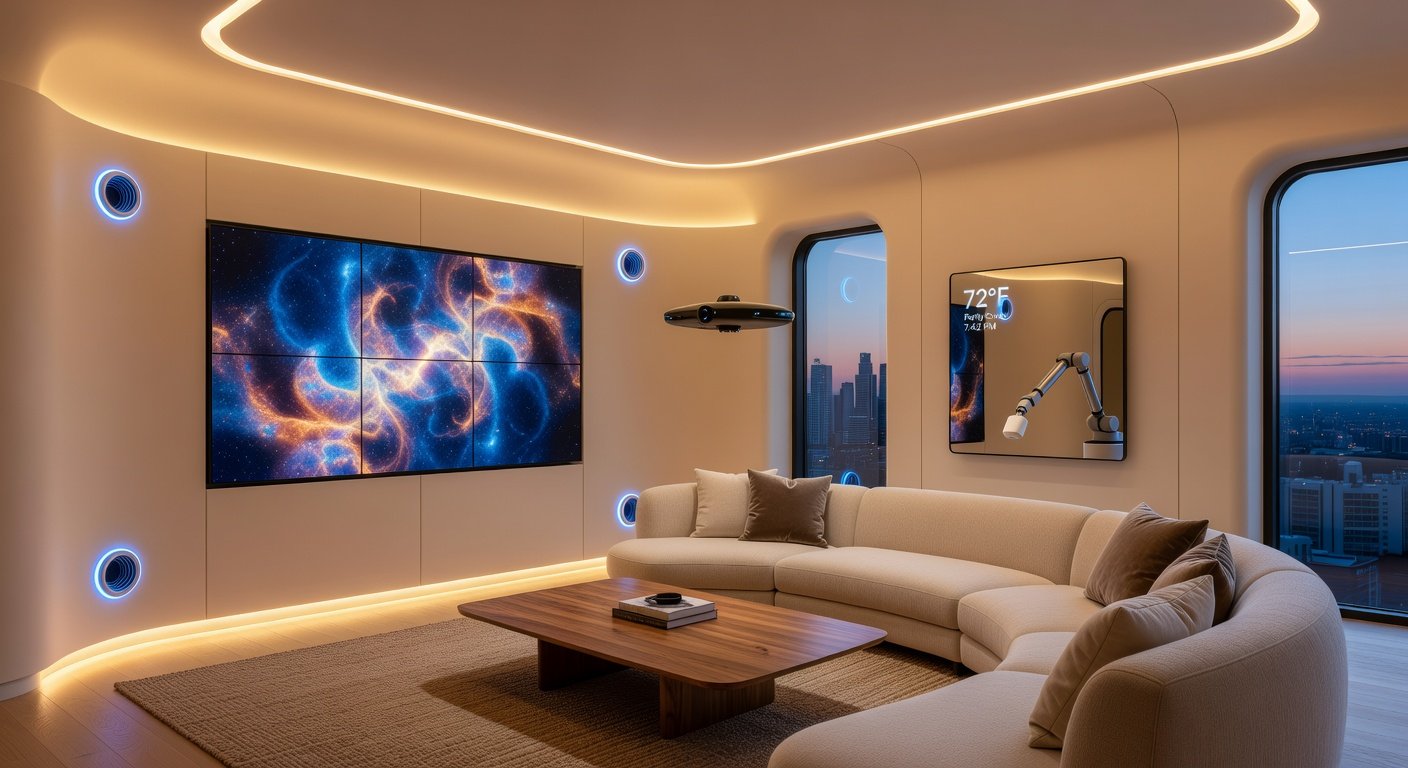
In 2026, smart home technology isn't just a luxury—it's the cornerstone of modern living. As homes evolve into intuitive, efficient spaces, these top 10 upgrades promise to redefine renovation ideas. From AI-driven systems that anticipate your needs to modular walls that adapt on demand, expect boosts in energy efficiency, security, and aesthetic appeal. We'll dive deep into each, covering pros, cons, installation guides, and cost breakdowns to help you plan your seamless smart transformation.
1. AI-Driven Climate Control
AI climate systems learn your habits, adjusting temperature, humidity, and airflow preemptively for ultimate comfort.
Pros
- Up to 30% energy savings via predictive algorithms.
- Personalized zones for multi-occupant homes.
- Integrates with health monitors for allergy control.
Cons
- High upfront cost.
- Privacy concerns with data collection.
- Requires stable Wi-Fi.
Installation Guide
- Assess home layout and choose a hub like Nest or Ecobee Pro.
- Install sensors in key rooms (30-60 mins each).
- Connect via app, calibrate AI over 1-2 weeks.
- Professional HVAC integration if needed ($500+).
Cost Breakdown
Basic kit: $300-$600; Full home: $2,000-$5,000; Pro install: $1,000. For energy tips, check energy.gov.
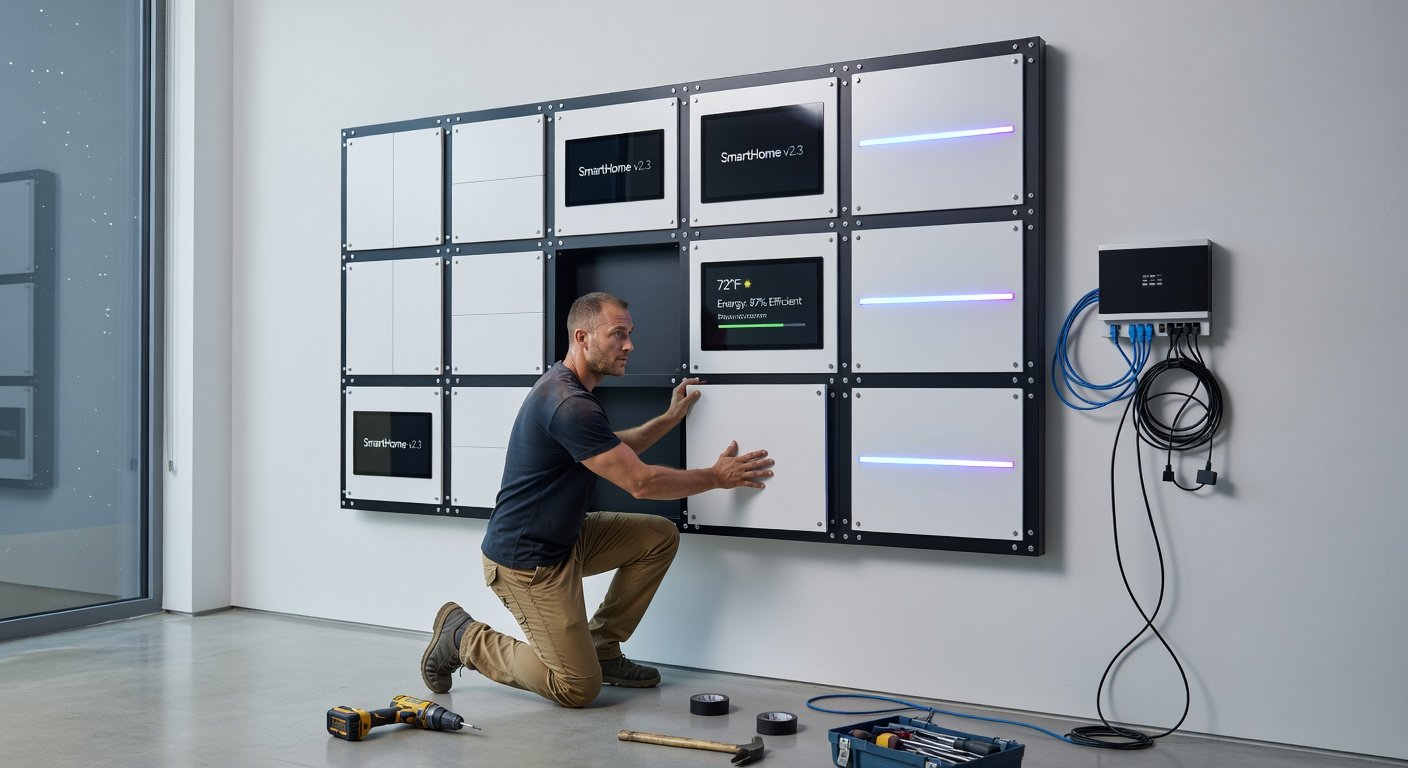
2. Modular Smart Walls
These customizable panels feature built-in screens, speakers, lighting, and charging ports, transforming walls into multifunctional hubs.
Pros
- Endless reconfiguration for aesthetics.
- Enhances security with integrated cameras.
- Space-saving in small homes.
Cons
- Visible seams in some designs.
- Compatibility issues with old wiring.
- Premium materials add weight.
Installation Guide
- Measure walls and order custom panels.
- Remove old drywall if replacing (DIY or pro).
- Mount frames, snap in modules (2-4 hours per wall).
- Wire to central hub and test.
Cost Breakdown
Per panel: $200-$500; Full room: $3,000-$8,000; Install: $1,500.
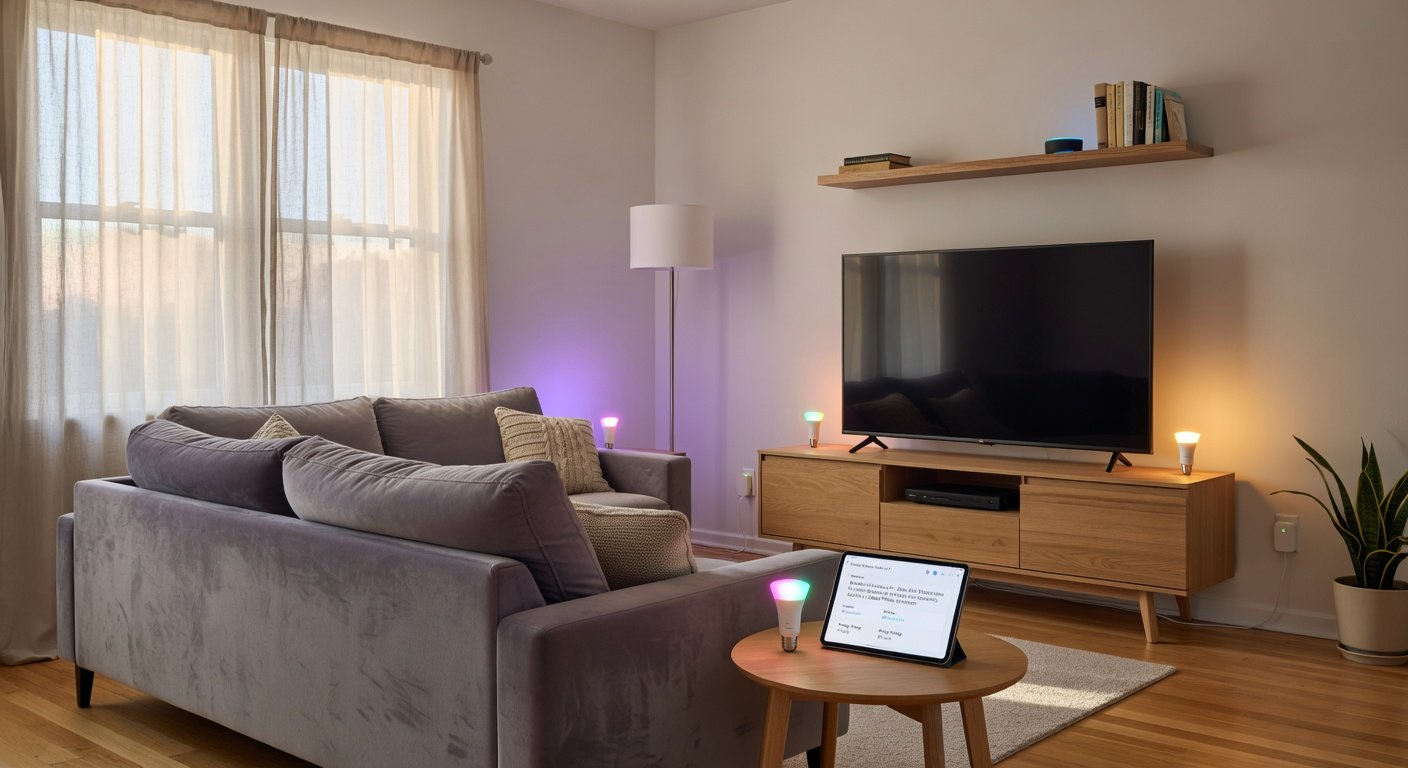
3. Adaptive Smart Lighting
LED systems that shift colors, brightness, and patterns based on time, mood, or voice commands.
Pros
- 50% energy reduction over bulbs.
- Circadian rhythm support for better sleep.
- Seamless integration with all devices.
Cons
- Initial bulb replacement hassle.
- App glitches in multi-brand setups.
- Dimming inconsistencies.
Installation Guide
- Choose Philips Hue or Nanoleaf kits.
- Replace fixtures or add strips (1-2 hours).
- Pair with bridge/hub via app.
- Set scenes and automations.
Cost Breakdown
Starter: $150-$300; Whole home: $1,000-$3,000.
4. Voice-Activated Universal Hubs
Central AI hubs like advanced Alexa or Google Nest that control everything hands-free.
Pros
- Ultra-responsive natural language processing.
- Multi-room audio and intercom.
- Future-proof with OTA updates.
Cons
- Mic privacy risks.
- Accent recognition limitations.
- Subscription for premium features.
Installation Guide
- Place hub centrally.
- Link all devices via app (30 mins).
- Train voice profiles.
- Test integrations.
Cost Breakdown
Hub: $200-$400; Ecosystem: $500+.
5. Facial Recognition Security Doors
Doors that unlock via face scan, with 360° cameras and auto-locking.
Pros
- Zero keys needed.
- Instant alerts and video feeds.
- Child/pet safe modes.
Cons
- Weather affects scans.
- Data breach risks.
- High power draw.
Installation Guide
- Select Yale or August models.
- Remove old lock (1 hour).
- Wire to power/ Wi-Fi.
- Enroll faces in app.
Cost Breakdown
Per door: $400-$1,000; Pro install: $300. See smart home reviews at CNET.
6. Real-Time Energy Monitors
Devices tracking usage per appliance, optimizing with AI shutoffs.
Pros
- 20-40% bill cuts.
- Carbon footprint insights.
- Prevent overloads.
Cons
- Invasive appliance sensors.
- Learning curve for data.
- Extra wiring.
Installation Guide
- Install panel meter (pro recommended).
- Add plug-in sensors.
- App setup and baseline.
Cost Breakdown
System: $250-$800; Whole-home: $2,000.
7. Automated Solar Blinds
Blinds that track sun, saving energy and privacy.
Pros
- 15% cooling savings.
- Voice/schedule control.
- Durable fabrics.
Cons
- Motor noise.
- Battery replacements.
- Custom sizing costs.
Installation Guide
- Measure windows.
- Mount tracks (DIY 1 hour/window).
- Sync to hub.
Cost Breakdown
Per window: $150-$400.
8. Self-Cleaning Smart Appliances
Fridges, ovens with UV sanitation and inventory tracking.
Pros
- Hygiene boost.
- Shopping list auto-gen.
- Energy Star rated.
Cons
- Large footprint.
- Repair complexity.
- App dependencies.
Installation Guide
- Standard hookups.
- Wi-Fi connect.
- Calibrate sensors.
Cost Breakdown
$1,000-$5,000 per appliance.
9. AR-Enabled Furniture Placement
Apps projecting virtual furniture for perfect layouts.
Pros
- Zero waste buys.
- Design visualization.
- Integrates with smart movers.
Cons
- AR accuracy varies.
- Device-dependent.
- Learning curve.
Installation Guide
- Download app (IKEA Place style).
- Scan room.
- Project and order.
Cost Breakdown
Free app; Furniture: Varies. Check Consumer Reports for guides.
10. Haptic Feedback Floors
Floors with sensors for navigation aids, security, and health tracking.
Pros
- Fall detection for elderly.
- Energy harvesting.
- Aesthetic tiles.
Cons
- Underlay disruption.
- High cost per sq ft.
- Maintenance.
Installation Guide
- Lay sensor mats under flooring.
- Connect to hub.
- Test responsiveness.
Cost Breakdown
$20-$50/sq ft; 1,000 sq ft home: $20,000+.
Why Upgrade in 2026?
These innovations don't just add tech—they create symbiotic living spaces. Prioritize based on needs: energy savers first, then security. Start small for big impacts, consulting pros for complex installs. Your 2026 home awaits—smarter, safer, stunning.
No comments yet. Be the first!