 Fixated on Home
Introduction to Smart Home Upgrades in 2026
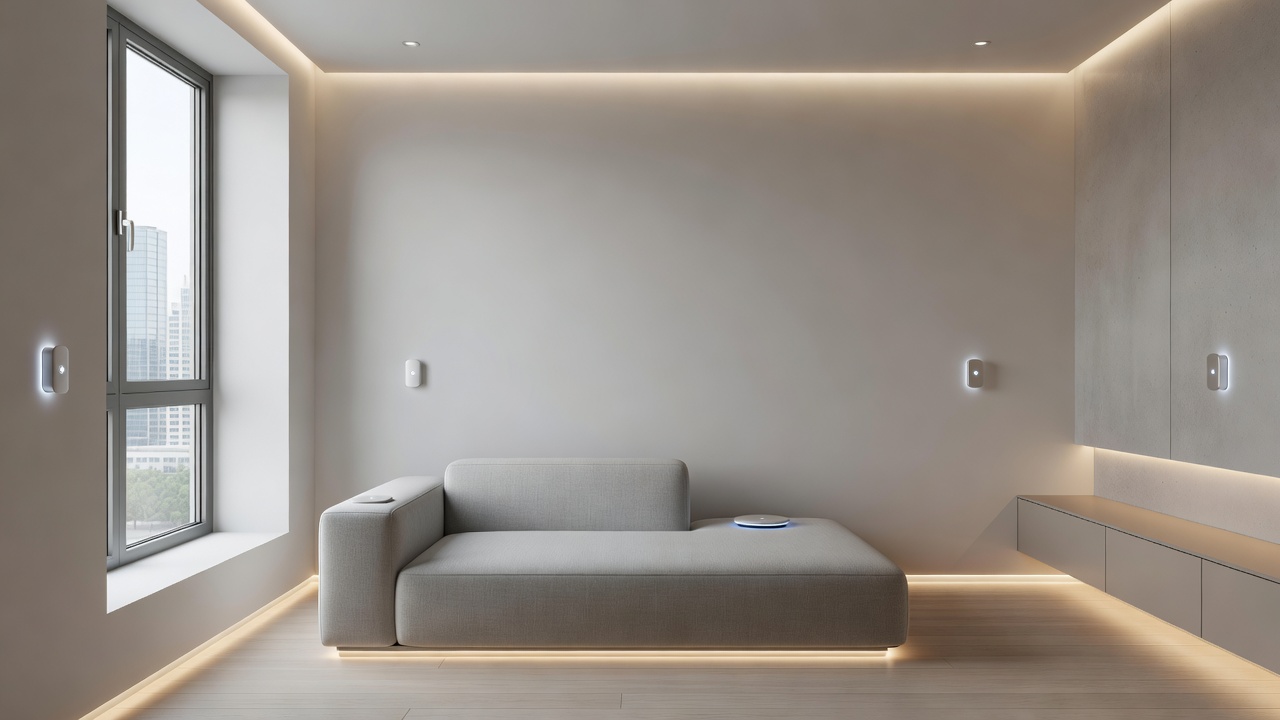
Urban living in compact apartments often means balancing style, functionality, and limited square footage. In 2026, smart home upgrades focus on minimalist integration that enhances daily life without overwhelming small spaces. These renovations prioritize space-saving tech like modular sensors and voice-controlled systems tailored for renters and homeowners alike. Search trends show growing interest in smart home upgrades that align with modern renovation ideas, emphasizing wireless solutions and multi-purpose devices. This guide provides in-depth advice on selecting the right tools, comparing options, and executing installations step by step. As cities densify and apartment sizes remain constrained, homeowners seek technologies that deliver convenience while preserving open floor plans and visual calm.
Many residents face challenges such as shared walls, limited outlets, and strict lease terms. The 2026 landscape introduces devices with improved AI capabilities that learn household patterns quickly, reducing the need for multiple gadgets. By focusing on integration rather than accumulation, these upgrades turn cramped quarters into efficient, responsive environments that support work-from-home setups and sustainable living.
Assessing Your Compact Space for Smart Integration
Before any upgrades, evaluate your apartment's layout thoroughly. Measure rooms, note electrical outlets, and identify high-traffic areas like kitchens or living rooms. In small urban settings, prioritize devices that serve multiple functions to avoid clutter. Consider natural light levels, existing Wi-Fi strength across corners, and potential renter restrictions on wall modifications. Many 2026 trends highlight plug-and-play systems that require no permanent changes, making them ideal for apartments under 600 square feet.
Start by mapping daily routines: where do you spend mornings versus evenings? This informs sensor placement for optimal automation. Test signal strength with a simple app before committing to hubs. Urban apartments often contend with interference from neighboring networks, so choose devices supporting dual-band connectivity. Document everything with photos for future reference or move-out inspections.
Selecting Modular Devices for Limited Square Footage
Modular smart devices allow customization without excess hardware. Look for stackable hubs or expandable sensor kits that grow with your needs. These options support minimalist design by blending into walls or furniture. Key 2026 features include AI-driven adaptability for energy efficiency and seamless app control. Choose devices certified for small spaces to ensure they don't dominate visual aesthetics. For example, a single modular lighting controller can manage multiple zones through add-on dimmers, eliminating separate purchases.
Focus on interoperability standards like Matter for future-proofing. In practice, residents report smoother experiences when starting with one ecosystem and expanding gradually. Avoid bulky units by selecting slim profiles that mount flush against surfaces. This approach aligns perfectly with renovation ideas that emphasize clean lines and hidden technology.
Integrating Voice Controls with Existing Layouts
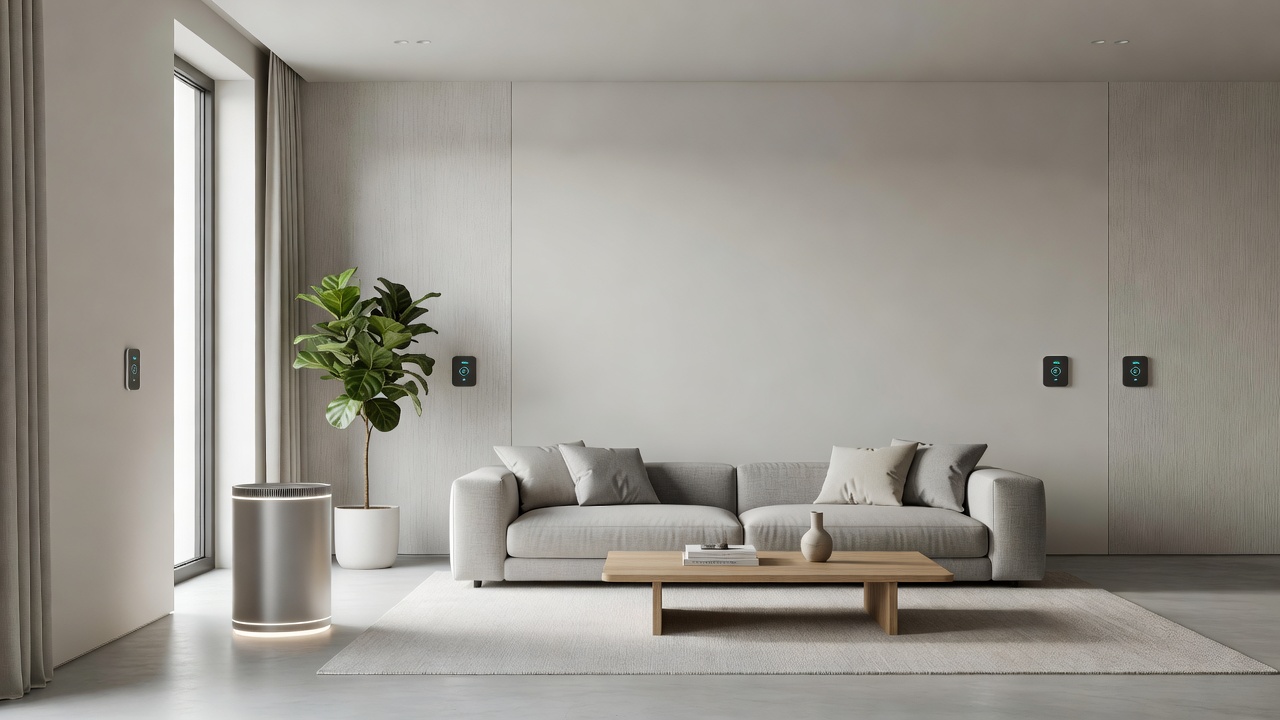
Voice assistants integrate smoothly into compact homes. Place speakers strategically near seating areas or entry points for hands-free operation of lights, climate, and security. Ensure compatibility with your current Wi-Fi and test microphone ranges in tight quarters. This setup enhances renovation ideas by adding convenience without additional wiring. In urban apartments, voice commands prove especially useful during multitasking, such as cooking while adjusting blinds or checking security from the couch.
Experiment with routines that chain actions, like a single phrase triggering lights, music, and temperature adjustments simultaneously. Privacy settings matter in shared buildings, so review microphone mute options and data policies. Many users combine voice with app backups for reliability during outages.
Prioritizing Multi-Functional Sensors for Lighting and Climate
Multi-functional sensors handle lighting, temperature, and occupancy detection in one unit. Install them in corners or ceilings to monitor entire rooms efficiently. In 2026, these sensors often feature improved battery life and predictive algorithms. They support smart home upgrades by automating routines based on your schedule, reducing manual adjustments in busy urban lifestyles. Position one near windows to balance natural light with artificial supplements, preventing energy waste during peak daylight hours.
Practical examples include linking sensors to morning wake-up sequences that gradually brighten lights while pre-heating small spaces. Calibration takes only minutes via mobile apps, and most models include fallback manual overrides. This layered approach ensures comfort even if connectivity fluctuates in dense city environments.
Wireless vs Compact Wired Options: A Comparison
Choosing between wireless and wired systems depends on your living situation and renovation goals. Wireless solutions excel in flexibility, allowing repositioning without tools or professional help. They suit renters who value reversibility and quick setup. However, they may face occasional interference in multi-unit buildings and require battery maintenance every few months.
Compact wired options deliver consistent performance and integrate seamlessly during deeper renovations, such as when replacing fixtures. They avoid battery concerns but involve more planning around existing infrastructure. Consider hybrid approaches where core lighting uses wired backbones while peripheral sensors remain wireless. Weigh factors like lease duration, building age, and personal technical comfort level before deciding.
Step-by-Step Installation Examples
Example 1: Installing a Modular Lighting Sensor
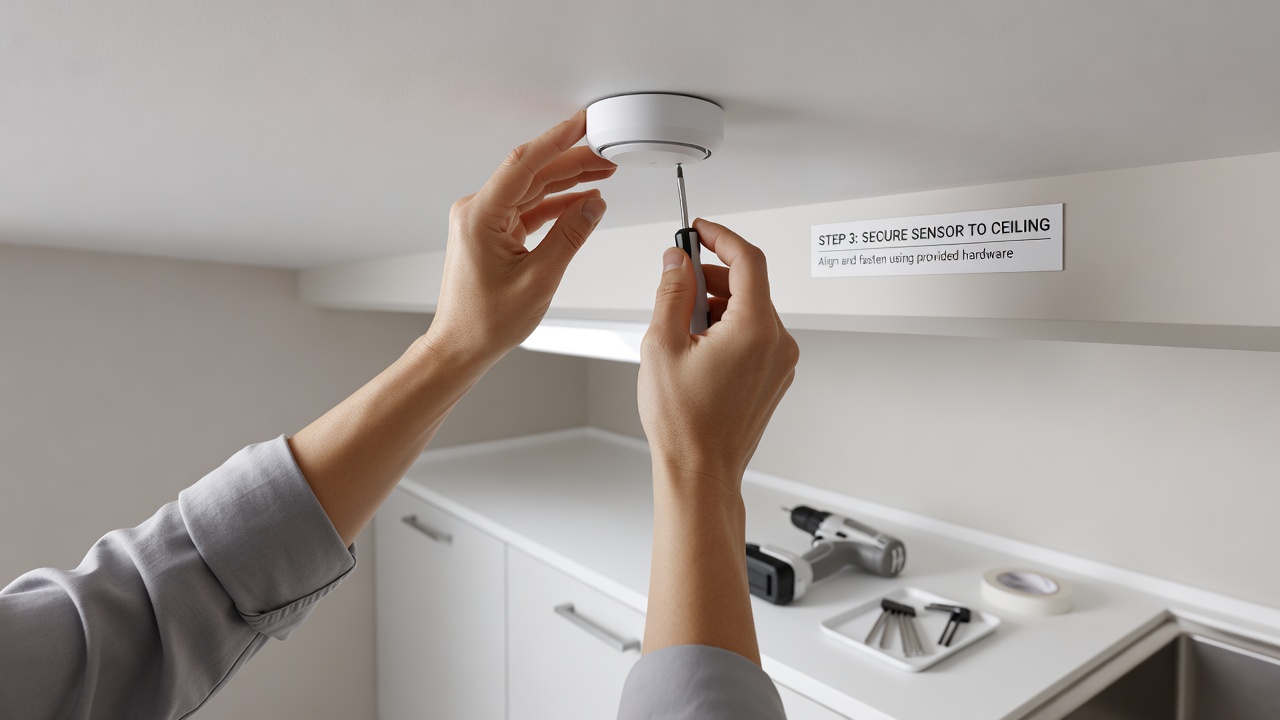
- Choose a central ceiling spot with clear line of sight to activity areas.
- Pair the device via the companion app and confirm strong connectivity.
- Mount using strong adhesive strips designed for renter-friendly removal.
- Configure custom scenes and link to your voice assistant for daily use.
- Test response times across different times of day to refine settings.
Example 2: Adding a Climate Control Hub
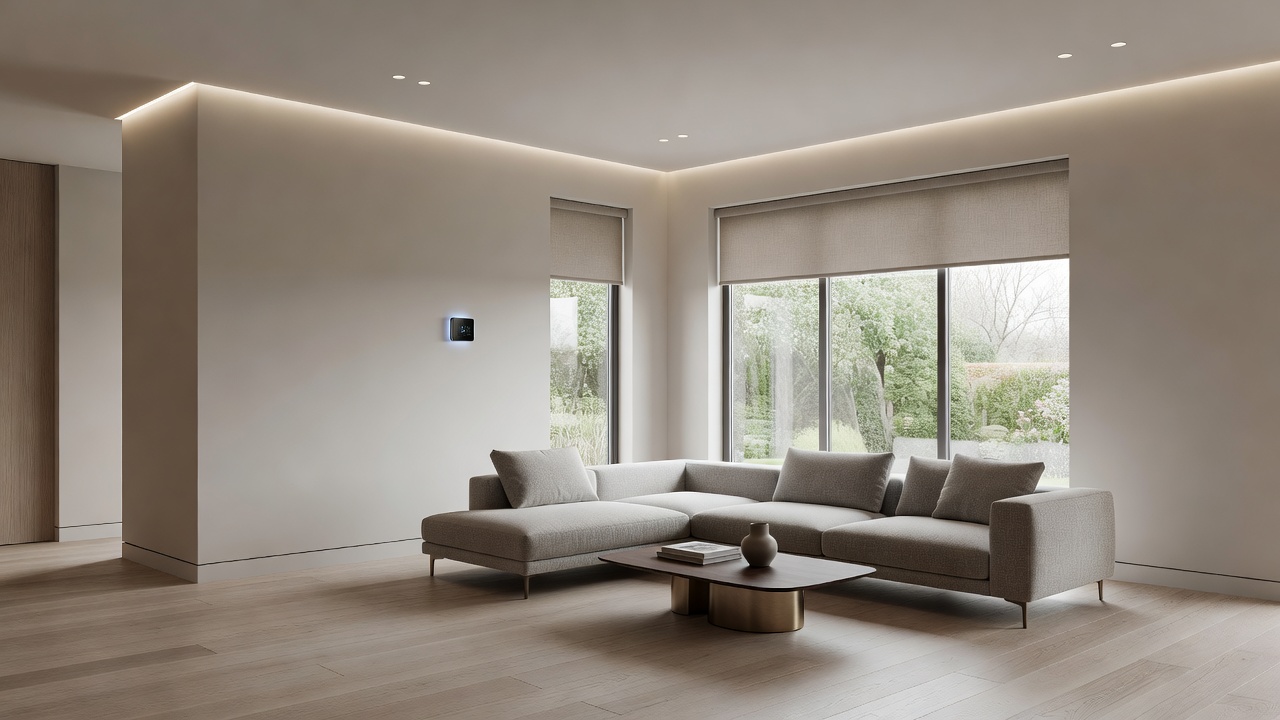
- Position the hub near an existing thermostat or central living area for accurate readings.
- Connect to your Wi-Fi network and run the initial calibration sequence.
- Establish automation rules that adjust based on occupancy and outdoor weather data.
- Integrate with voice commands and verify emergency shutoff procedures.
- Monitor performance for the first week and tweak thresholds accordingly.
Example 3: Setting Up a Multi-Room Voice Speaker Network
- Select compact speakers sized for tabletops or wall mounting.
- Link all units through the central app to create synchronized zones.
- Assign specific commands for different rooms to avoid overlap confusion.
- Secure the network with updated passwords and enable guest modes if needed.
- Run a full-system test during peak usage hours to ensure stability.
Benefits of Smart Upgrades for Urban Dwellers
Beyond convenience, these technologies promote energy savings through intelligent scheduling and reduce physical clutter by consolidating controls. They also enhance security with remote monitoring, valuable for city residents who travel frequently. In 2026, integration with broader sustainability platforms allows tracking of personal carbon footprints directly from the home app.
Common Mistakes to Avoid
- Overloading a single Wi-Fi band with too many devices at once.
- Ignoring firmware updates that patch security vulnerabilities.
- Placing sensors in direct sunlight or near heat sources, skewing readings.
- Skipping compatibility checks before mixing ecosystems from different brands.
Addressing Renter Concerns in the FAQ
Can I install these without landlord approval?
Many wireless options use removable mounts, minimizing risks. Always review your lease and opt for non-permanent solutions that leave no trace.
Will smart devices increase my electricity bill?
Efficient models often lower costs through automation. Check U.S. Department of Energy resources for guidance on smart energy management.
How secure are voice controls in shared buildings?
Use strong passwords and two-factor authentication. Refer to standards from NIST for cybersecurity best practices in smart homes.
What if I move out?
Modular designs allow easy removal and reuse in new spaces, preserving your investment in smart home upgrades.
Are there noise concerns with voice assistants?
Modern models include adjustable volume and do-not-disturb schedules that respect thin apartment walls and neighbors.
Conclusion
Smart home upgrades in 2026 empower compact urban apartment dwellers with practical, space-conscious tech. By focusing on modular devices, voice integration, and multi-functional sensors, you can achieve stylish renovations that boost comfort and efficiency. Start small with wireless options and expand as needed for lasting results that adapt to evolving urban lifestyles.
Explore more DIY projects for your home.
Check out these budget renovations ideas.
No comments yet. Be the first!