 Fixated on Home
Introduction
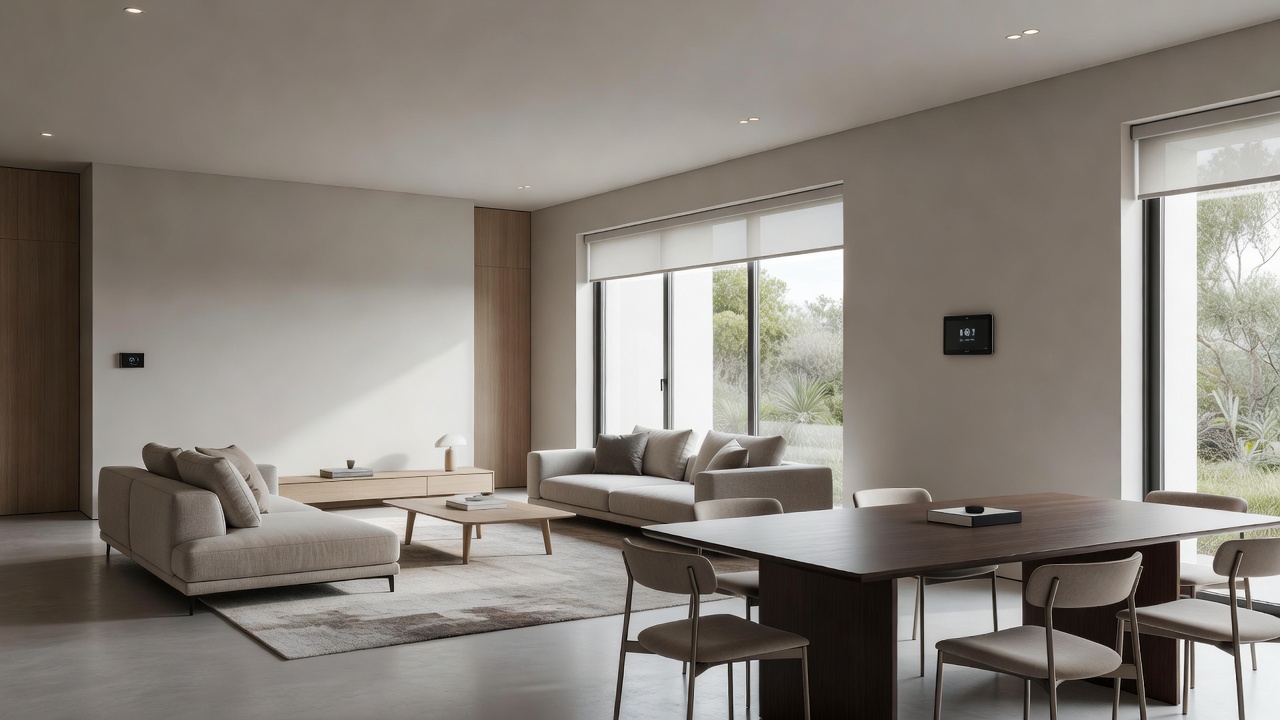
Open-concept living spaces have become a hallmark of modern homes, blending kitchens, dining areas, and living rooms into fluid environments that promote interaction and natural light. In 2026, homeowners are increasingly turning to smart home upgrades to elevate these designs further, creating seamless control over lighting, climate, and entertainment while preserving clean aesthetics. This guide provides practical renovation ideas tailored for open layouts, focusing on multi-room compatibility, installation steps, and design harmony. By integrating intelligent systems, you can enhance daily living without introducing visual clutter. Whether updating an existing space or planning a full renovation, smart technologies support better energy efficiency and personalized comfort across expansive areas. The key is selecting solutions that respect the architectural flow while adding layers of convenience and control that feel invisible yet powerful.
Successful integration begins with understanding how devices interact across zones. Open-concept homes benefit enormously from centralized systems that eliminate the need for multiple control points, allowing residents to adjust settings from anywhere via smartphone or voice. This not only streamlines daily routines but also supports the minimalist design ethos popular in contemporary renovations.
Selecting Multi-Room Compatible Devices
Choosing the right devices starts with ecosystem compatibility. Opt for platforms like Apple HomeKit, Google Home, or Amazon Alexa that support multi-room audio and synchronized controls. Look for devices certified for interoperability, such as those using Thread or Zigbee protocols, to ensure lights in the living area sync with climate controls in adjacent dining zones. Prioritize hubs that manage multiple rooms from a single app. This approach maintains the open feel by eliminating the need for separate remotes or switches scattered throughout the space. Consider factors like range, power requirements, and future expandability when evaluating options. Devices supporting the Matter standard offer excellent cross-platform flexibility, reducing the risk of vendor lock-in during long-term renovations.
When selecting products, review user reviews for real performance in large open areas where signal interference can occur. Focus on battery life for wireless sensors and the ability to create custom routines that respond to occupancy patterns across the entire living area.
Step-by-Step Installation for Lighting Controls
Begin by assessing your current wiring and fixture locations. Replace standard switches with smart dimmers that support voice commands and scheduling. For open spaces, install tunable LED bulbs that adjust color temperature to match the time of day or activity, creating zones without physical barriers. Map out each area—living, dining, and kitchen extension—then group fixtures into logical scenes. Install a central hub near your router for optimal connectivity, and label all wires during removal of old switches to simplify reconnection.
Next, connect devices to your chosen hub and test multi-room scenes, such as "movie night" that dims living room lights while maintaining subtle glow in dining areas. Always follow manufacturer guidelines and consider professional electrician help for hardwired installations to ensure safety. Finally, calibrate sensors to detect movement across wide spaces, preventing lights from turning off prematurely during family activities.
Step-by-Step Installation for Climate Controls
Smart thermostats like those from Ecobee or Nest offer room sensors ideal for open layouts. Mount the main unit centrally and place sensors in key zones to balance temperatures across the combined space. Program geofencing features so the system adjusts automatically as family members move through the home. Integrate with ventilation controls if your renovation includes updated HVAC. This setup prevents hot or cold spots, supporting the fluid movement typical in open-concept designs. Run a full calibration cycle after installation and create schedules that account for varying sunlight exposure in different parts of the open floor plan.
Real-World Examples from Living-Dining Areas
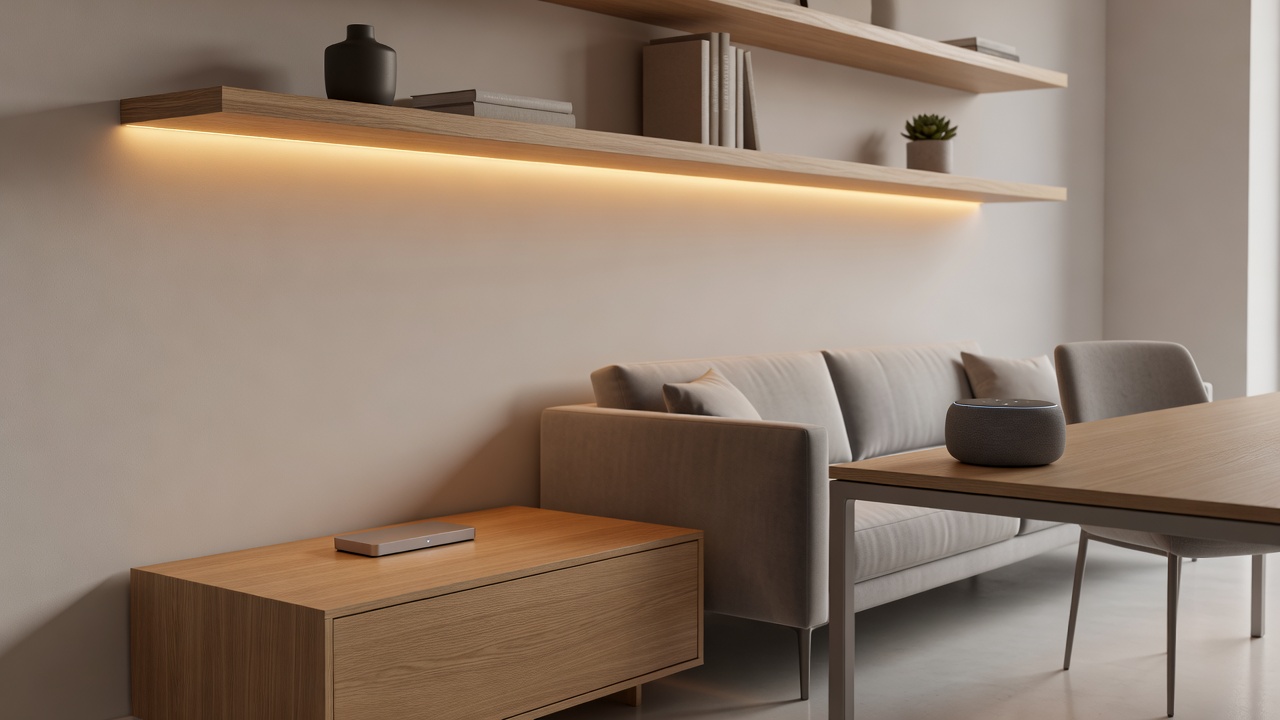
Consider a family home where the living and dining areas flow together. Installing smart lighting strips under cabinetry in the kitchen extension provides task lighting that transitions smoothly into ambient glow for dining. Voice-activated blinds on large windows respond to sunlight patterns, maintaining privacy without obstructing views. In one renovation, homeowners used color-changing bulbs to shift the mood from bright daytime work sessions to warm evening gatherings, all controlled through a single app interface.
Another example involves pairing a smart speaker system with climate sensors. During gatherings, the system can play music across zones while optimizing airflow, turning the open space into a versatile entertaining hub. A third scenario features motion-activated pathway lighting along the perimeter that activates only when needed, preserving the clean visual lines of the architecture while adding subtle functionality. These examples demonstrate how targeted upgrades enhance usability without compromising the spacious aesthetic.
Comparing Wired Versus Wireless Options
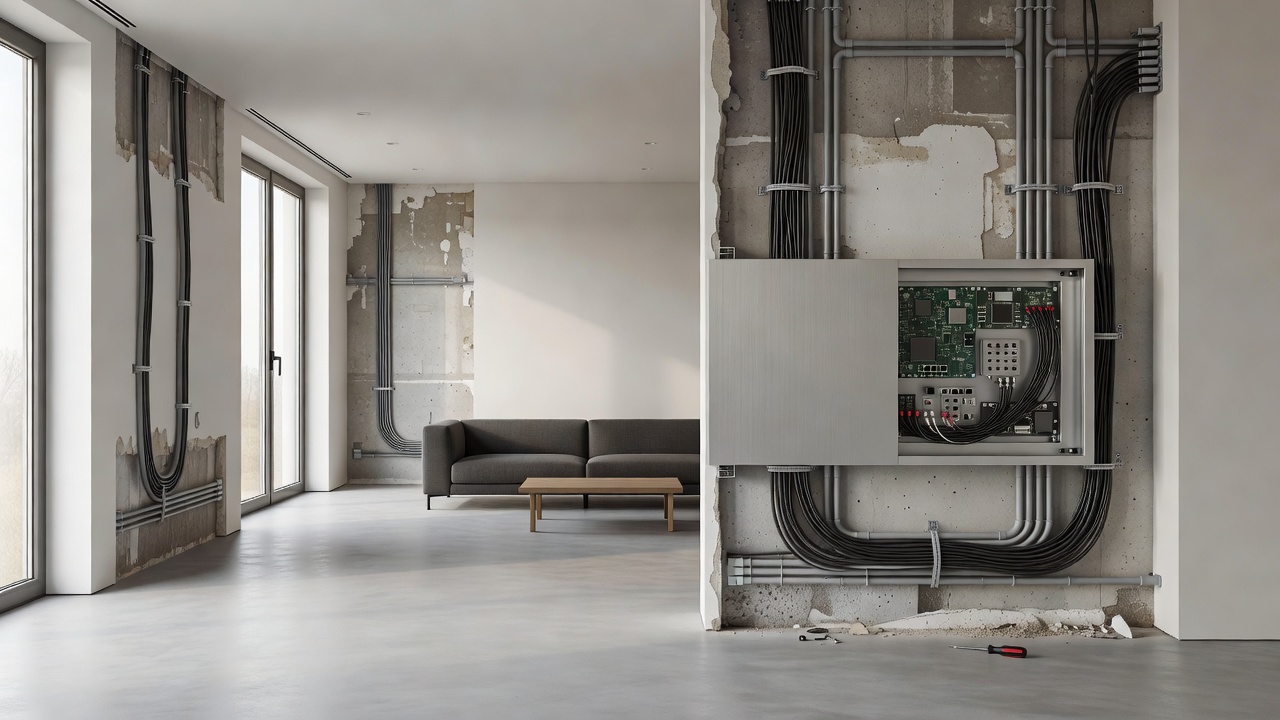
Wired systems offer reliable performance and are less susceptible to interference but require more invasive installation during renovations. Wireless options provide flexibility for retrofits and easier scalability, though they depend on strong Wi-Fi coverage. For open-concept homes, hybrid approaches often work best: hardwire primary lighting circuits while using wireless sensors for climate monitoring. This balances durability with adaptability to future tech updates.
- Wired advantages include consistent power delivery and lower latency for real-time responses.
- Wireless advantages center on minimal disruption to existing walls and floors during upgrades.
- Hybrid setups allow incremental expansion as budgets and needs evolve.
Practical Checklists for Integration
- Evaluate existing infrastructure for compatibility with smart protocols.
- Map device locations to avoid disrupting sightlines in open spaces.
- Test all scenes and automations before finalizing the renovation.
- Ensure backup power options for critical systems like security-integrated lighting.
- Review privacy settings on all connected devices to protect household data.
- Document all network credentials and device locations for future maintenance.
Cost Considerations Tied to Home Design Goals
Align upgrades with your renovation budget by prioritizing high-impact areas first, such as central lighting hubs. Focus on scalable solutions that grow with your needs rather than full-system overhauls. Consult resources from the U.S. Department of Energy for efficiency insights that can influence long-term savings. Consider how each upgrade contributes to overall home value and daily comfort rather than viewing expenses in isolation.
Energy Efficiency and Maintenance Benefits
Smart systems often incorporate learning algorithms that optimize energy use based on occupancy and weather patterns. Regular firmware updates keep devices secure and add new features over time. Schedule annual professional inspections to verify sensor accuracy and connection integrity, ensuring the system continues to support your open-concept lifestyle effectively.
FAQ Section
How do I avoid visual clutter with smart devices?
Select minimalist designs or recessed installations that blend with architecture. Use wireless options where possible to reduce exposed wiring.
What if my Wi-Fi is unreliable in open spaces?
Invest in mesh network extenders or devices with local processing capabilities to maintain functionality during outages.
Can smart upgrades work with existing decor?
Yes, many systems offer customizable finishes and hidden sensors that complement modern aesthetics without alteration.
Are there integration challenges with multi-brand devices?
Stick to a single ecosystem or use universal hubs like those supporting Matter protocol for smoother connections.
How often should systems be updated?
Check for firmware updates quarterly and test all automations after each update to confirm continued performance.
Conclusion
Smart home upgrades, when thoughtfully integrated, transform open-concept living spaces into efficient, comfortable environments that enhance both daily routines and aesthetic appeal. By following structured planning and focusing on compatibility, homeowners can achieve renovations that feel both modern and timeless. Explore further guidance from the National Institute of Standards and Technology on smart building standards to refine your approach and ensure lasting success.
No comments yet. Be the first!