 Fixated on Home
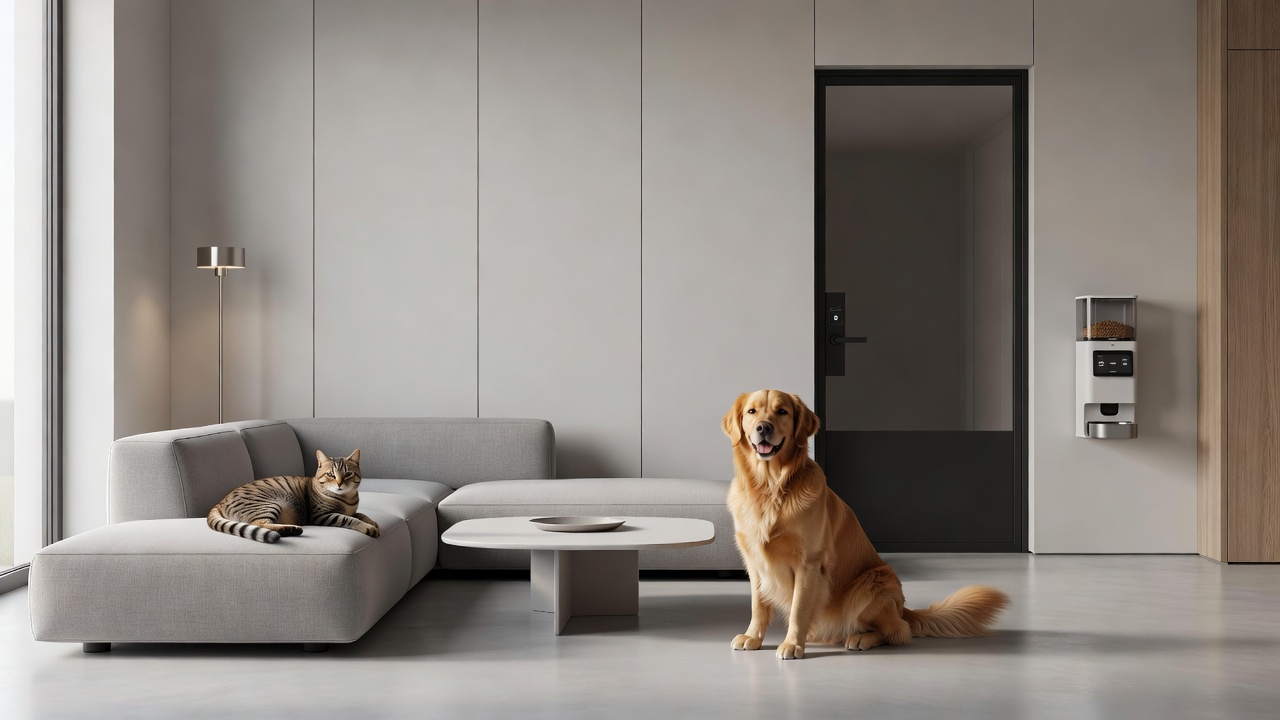
Introduction to Pet-Friendly Smart Home Integration
Modern renovations increasingly prioritize both technology and the needs of pets, creating homes that are safer, more convenient, and aesthetically pleasing. Integrating smart home upgrades tailored for pets allows owners to monitor health, automate routines, and maintain design harmony. This approach combines convenience with safety, reducing daily stresses for busy households while supporting the well-being of dogs, cats, and other companion animals. As more families blend work-from-home lifestyles with pet ownership, the demand for seamless technology solutions has grown substantially. These upgrades not only simplify feeding schedules and health checks but also contribute to energy efficiency by optimizing lighting and climate controls around pet activity patterns.
Key Technologies for Pet Owners
Several core devices stand out for pet-friendly homes. Automated feeding systems dispense precise portions at scheduled times, helping maintain healthy weights and preventing overeating or missed meals during long workdays. Pet monitoring cameras offer live video, two-way audio, and motion alerts to check on animals remotely, often including features like treat dispensing or bark detection. Smart doors and pet flaps provide controlled access while preventing escapes or unwanted entry from wildlife. Additional technologies include smart litter boxes that track usage and notify owners of changes in habits, climate control systems that adjust temperatures to pet comfort zones, and wearable health trackers that integrate with home hubs for real-time alerts.
Comparisons of popular options reveal differences in app integration, battery life, and durability. For instance, some feeders emphasize Wi-Fi reliability and voice assistant compatibility, while others focus on portion control accuracy and multi-pet recognition. Cameras vary in night vision quality, storage options, and field of view, with many supporting cloud backups for peace of mind. When evaluating devices, consider factors such as waterproofing for outdoor use, chew resistance, and ease of cleaning to ensure longevity in active households.
Step-by-Step Installation Guides
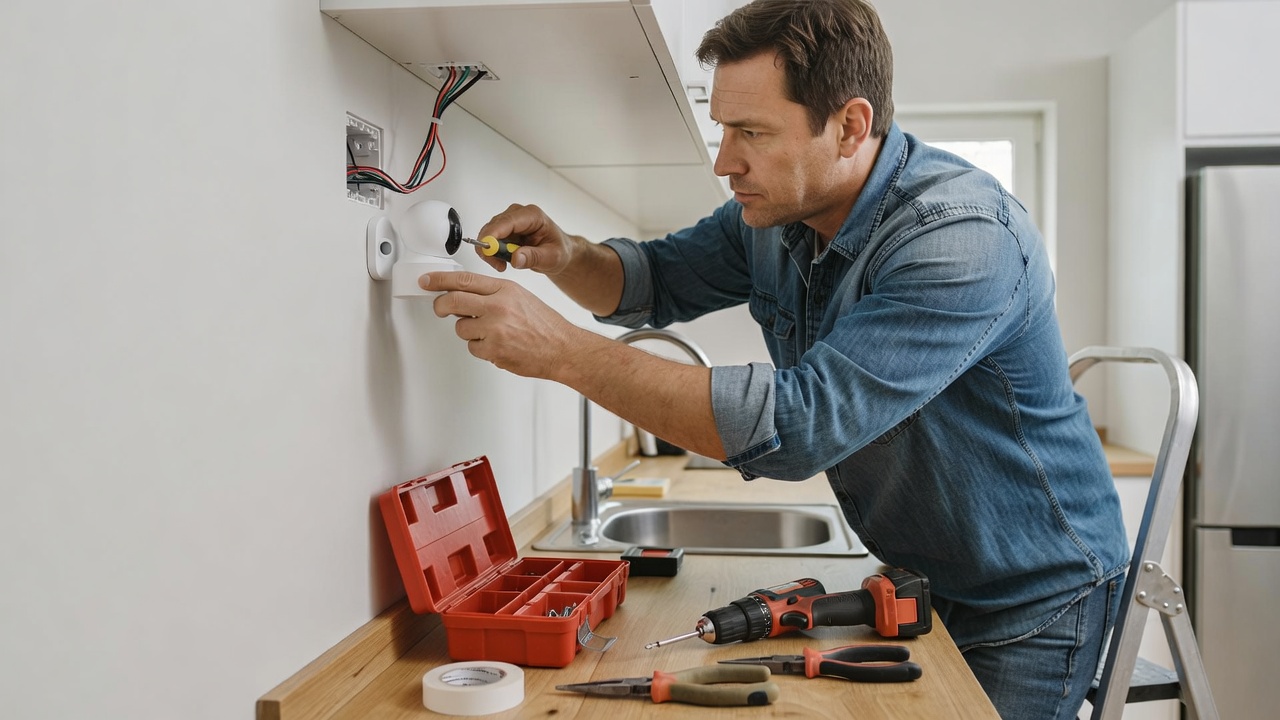
Begin with planning device placement to avoid tripping hazards and ensure optimal coverage. For feeders, mount on stable surfaces near electrical outlets or use battery models, then connect via the manufacturer's app for scheduling and portion customization. Test the dispensing mechanism with sample food to confirm accuracy before daily use. Camera setup involves securing mounts at eye level for pets, ensuring wide-angle views of favorite resting spots, and testing connectivity across different rooms. Position units away from direct sunlight to prevent overheating and false motion triggers.
Smart doors require precise measurements of existing entry points and careful alignment of sensors. Install the frame securely using provided hardware, calibrate motion or RFID triggers for your specific pets, and integrate with home automation hubs for synchronized operation. Always follow manufacturer instructions and test functionality multiple times before full use, including scenarios with multiple animals entering simultaneously. For litter box systems, place near existing litter areas, connect to power and Wi-Fi, and calibrate weight sensors to distinguish between pets if you have more than one.
Integrating with Existing Home Design
Aesthetics matter in modern renovations, so choose devices in neutral finishes that blend with cabinetry, walls, or flooring. Conceal wiring behind trim or opt for wireless models to maintain clean lines. Position cameras to complement lighting schemes rather than dominate focal points, and select smart doors with finishes matching your exterior or interior doors. In open-concept living areas, hide feeders inside stylish cabinets or islands. This ensures technology enhances rather than disrupts the visual flow of spaces like kitchens, living rooms, or mudrooms. Consider modular designs that allow seasonal adjustments, such as moving outdoor cameras during winter months.
Real-Life Examples from Recent Projects
In one urban apartment renovation, a family installed a smart feeder and camera system that synced with their existing voice assistant, allowing seamless control during business trips. The setup included a hidden compartment for the feeder to preserve minimalist decor. Another suburban home project featured a smart pet door linked to perimeter sensors, improving security while preserving the modern exterior look and reducing energy loss from open doors. A third example involved a multi-pet household that added climate-controlled zones and litter monitoring, resulting in fewer vet visits due to early detection of health changes. These examples highlight how thoughtful placement leads to daily convenience without compromising style or requiring major structural changes.
Addressing Potential Challenges
Compatibility issues arise when mixing brands, so verify hub support before purchase and consider universal protocols like Zigbee or Z-Wave. Budgeting requires considering long-term costs like subscriptions for cloud services, though many basic functions work offline. Pet behavior training helps animals adapt to new tech, such as recognizing the sound of automated doors or the flash of camera indicators. Privacy concerns with cameras can be mitigated by using local storage options and secure networks with strong encryption. Other challenges include Wi-Fi dead zones in older homes, which may need mesh systems, and ensuring devices resist pet curiosity or accidental damage through reinforced casings.
Maintenance and Troubleshooting
Regular maintenance extends device lifespan. Clean sensors and dispensing mechanisms weekly to prevent clogs from pet hair or food residue. Update firmware promptly for security patches and new features. Troubleshooting common issues starts with checking app notifications for error codes, restarting devices, or resetting network connections. For persistent problems, consult manufacturer support or community forums dedicated to smart pet tech. Seasonal checks, such as inspecting outdoor doors before winter, help avoid failures during extreme weather.
FAQs on Budgeting and Compatibility
- What factors influence overall project costs? Device selection, installation complexity, and ongoing subscriptions play key roles, with wireless options often reducing labor expenses.
- Are most systems compatible with older homes? Many wireless options work well, though professional assessment is recommended for wiring needs or signal strength improvements.
- How do I ensure devices last with active pets? Opt for chew-resistant models and schedule regular maintenance checks to catch wear early.
- Can these systems integrate with existing smart home ecosystems? Yes, most support major platforms like Alexa, Google Home, or Apple HomeKit when protocols match.
- What training is needed for pets to adapt? Short, positive reinforcement sessions over a few days usually suffice for doors and feeders.
- How do I handle multiple pets with different needs? Choose devices with individual recognition features or multiple profiles in the app.
Conclusion
Smart home upgrades designed for pets elevate modern living by blending technology with thoughtful design. By following structured installation, comparing options carefully, and addressing challenges proactively, homeowners achieve functional, beautiful spaces that prioritize both family and furry companions. Explore resources from the ASPCA for additional pet safety guidance, energy efficiency tips to optimize your setup, and privacy best practices for connected devices.
No comments yet. Be the first!