 Fixated on Home
Introduction to Smart Home Office Upgrades
Remote professionals in 2026 are increasingly turning to targeted smart home renovations to create dedicated workspaces that enhance focus and efficiency. These upgrades integrate seamlessly with existing home designs, emphasizing adaptive lighting, noise-cancellation technology, and precise climate zoning without disrupting overall aesthetics. By prioritizing productivity, these solutions help maintain workflow momentum throughout the day. In today's hybrid work environment, a well-planned home office can reduce distractions and support sustained concentration, making it essential to evaluate how smart technologies align with personal work habits and room layouts. Homeowners often start by mapping their current space to identify pain points such as inconsistent lighting or fluctuating temperatures that interrupt tasks.
Assessing Your Current Workspace Setup
Before any installation, conduct a thorough assessment of your existing office area. Measure room dimensions, note natural light sources, and identify electrical outlets and potential wiring paths. Consider factors like wall materials that might affect wireless signal strength for smart devices. This step ensures upgrades complement rather than clash with your home's architectural style, such as integrating fixtures into crown molding or using hidden conduits. Practical examples include using smartphone apps to simulate lighting layouts or consulting basic floor plans to plan zones. Professionals recommend documenting before-and-after conditions to track improvements in comfort and output over time.
Adaptive Lighting for Enhanced Focus
Adaptive lighting systems adjust automatically based on time of day and task requirements, reducing eye strain and supporting natural circadian rhythms. Modern setups use LED fixtures with tunable white light that shifts from cool tones in the morning to warmer hues in the afternoon. These systems often incorporate motion sensors and app-based customization to create task-specific scenes, such as bright overhead illumination for reading documents or softer desk lamps for video calls. Comparisons show that tunable systems outperform fixed bulbs by adapting to seasonal changes in daylight.
Step-by-Step Installation Example
- Assess your current electrical layout and identify zones for overhead and task lighting.
- Choose compatible smart bulbs or fixtures from a unified ecosystem.
- Install via existing wiring or wireless options, then connect to a central hub.
- Program schedules and scenes using voice commands or apps for morning energizing light and evening wind-down modes.
- Test integration with other devices like calendars to auto-adjust based on meeting times.
This approach blends with minimalist office decor by hiding sensors in ceiling panels or using sleek pendant designs. Real-world applications demonstrate reduced headaches and improved alertness during extended work sessions.
Noise-Cancellation Technology Integration
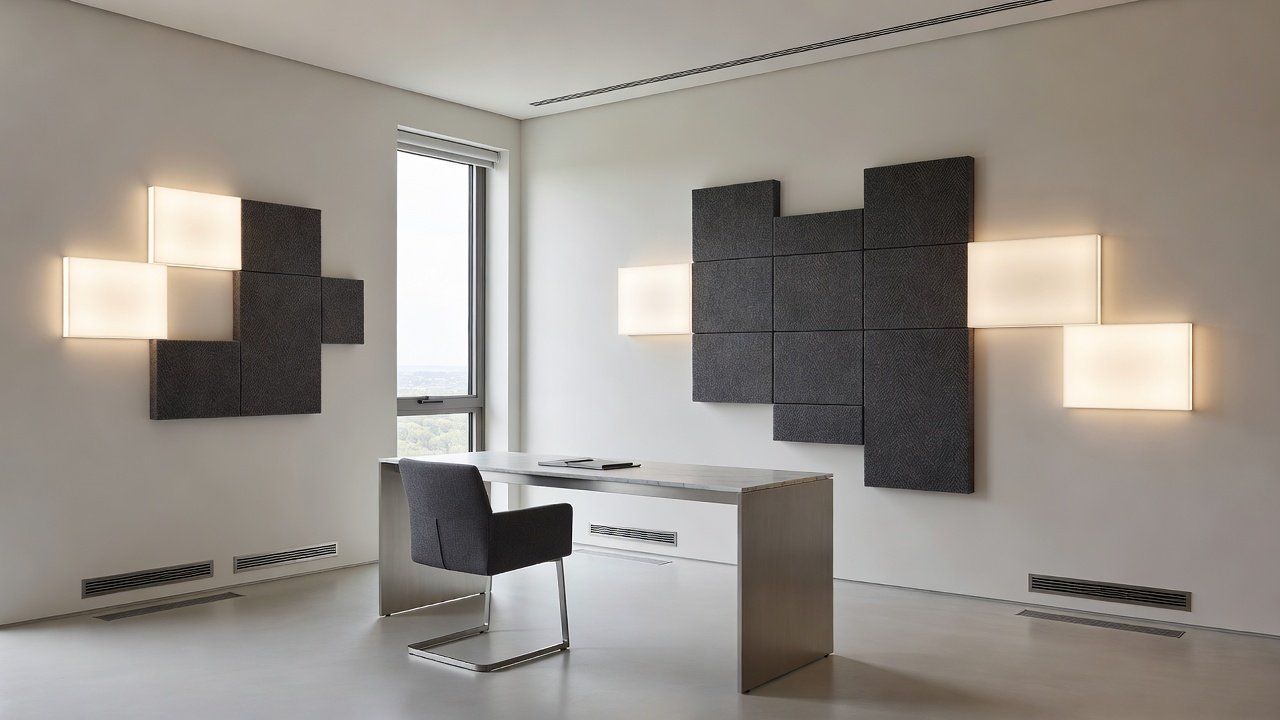
Advanced noise-cancellation solutions create quieter environments through active sound masking and smart acoustic panels. These systems detect ambient sounds and generate counter-frequencies to neutralize distractions from household activity or external traffic. Integration often involves ceiling-mounted emitters paired with wall panels that double as aesthetic features. Users can fine-tune sensitivity levels via mobile apps to handle everything from keyboard clicks to neighborhood noise. Expanded comparisons reveal differences in coverage area and power consumption, with some models supporting multi-room syncing for consistent performance across larger spaces.
Real-world case studies demonstrate improved concentration, with users reporting up to 30% faster task completion after implementation. Panels can be mounted as decorative wall art that matches existing interior styles, preserving the visual harmony of renovated rooms.
Climate Zoning for Optimal Comfort
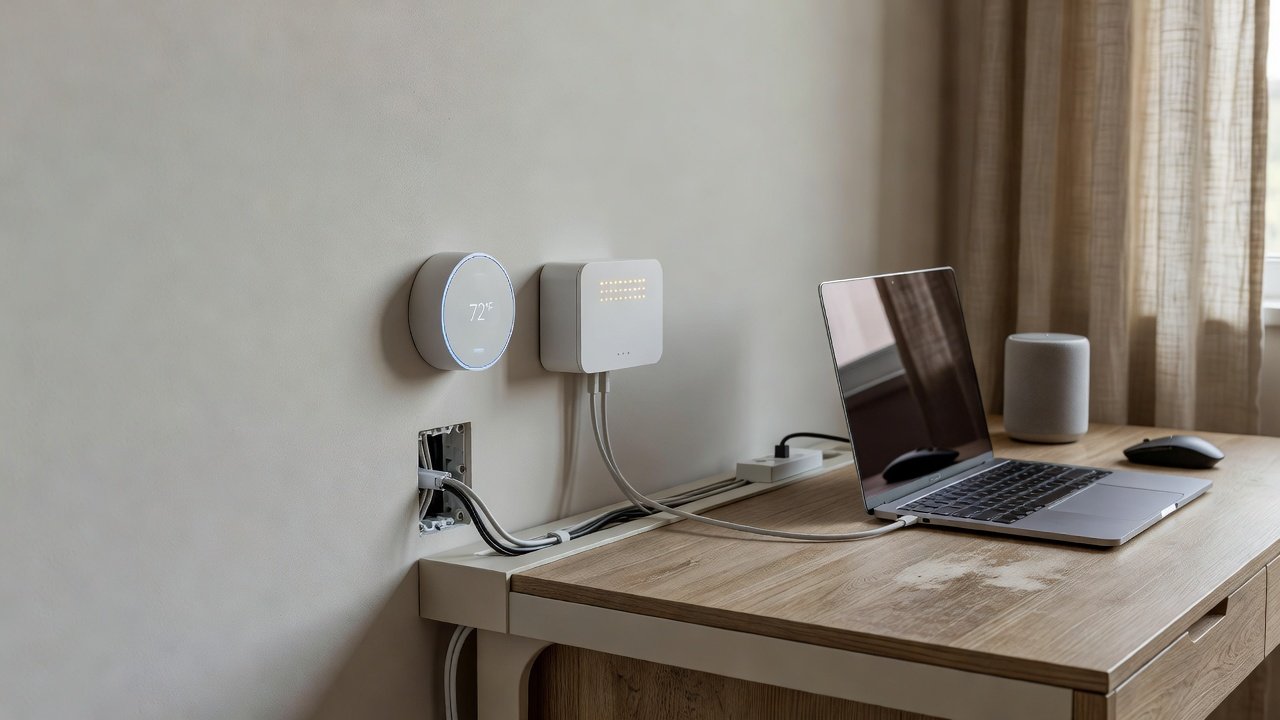
Climate zoning divides the workspace into independent temperature and humidity controls, ensuring consistent conditions tailored to individual preferences. Smart thermostats and vents enable micro-adjustments without affecting other home areas. Installation typically begins with mapping airflow patterns and placing sensors in key spots like near desks or windows. This prevents hot or cold spots that can cause discomfort during long hours of sitting.
Comparisons of ecosystem compatibility reveal that platforms like Apple HomeKit excel in seamless device integration, while Amazon Alexa offers broader third-party support. Google Home provides strong voice AI for scheduling. Select based on your existing smart devices to avoid compatibility issues. Additional considerations include ensuring vents blend with flooring or baseboards for a polished renovation look.
Choosing Compatible Ecosystems and Avoiding Common Mistakes
When selecting devices, prioritize ecosystems with robust update support and open standards for future expansion. Mistakes to avoid include mixing incompatible protocols like Zigbee and Z-Wave without bridges, which can lead to unreliable connections. Another pitfall is overlooking power backup options during outages. Practical steps involve starting small with one or two devices, testing reliability, then expanding. Detailed examples from remote workers show that phased rollouts minimize disruption and allow iterative refinements based on daily use feedback.
Real-World Case Studies and Workflow Improvements
One graphic designer renovated a corner of their living space with integrated smart controls, resulting in fewer interruptions and sustained creative output. They used zoned lighting tied to project management software and reported completing client revisions 25% quicker. Another software engineer used zoning to maintain ideal humidity levels, reducing fatigue during long coding sessions and noting better posture from consistent comfort. A third case involved a consultant who added noise-cancellation panels, leading to higher client satisfaction scores on calls due to clearer audio. These examples highlight measurable gains in daily productivity when upgrades address specific workflow bottlenecks.
Budget Options, Energy Efficiency, and Scalability
Start with affordable entry points such as plug-in smart plugs paired with basic sensors before scaling to full systems. Energy-efficient choices, aligned with guidelines from the U.S. Department of Energy, help lower consumption through automated shutoffs and optimized settings. The EPA resources further support selecting ENERGY STAR-rated components for long-term savings. For scalability, choose hubs that accept firmware updates and new sensor additions without full replacements. Monitoring tools track usage patterns to refine efficiency over months of operation.
Future-Proofing and Expanded FAQs
Future-proof your setup by selecting modular components with strong manufacturer support and cybersecurity features. Common questions include compatibility with older homes, which wireless protocols address effectively, and maintenance routines that involve simple app-based diagnostics. Additional FAQs cover integration with existing furniture, expected learning curves for new users, and ways to measure productivity gains post-installation through simple journaling or app analytics.
Frequently Asked Questions
- How do I ensure upgrades match my current decor? Opt for customizable finishes and recessed installations.
- What about energy use in 2026? Modern systems prioritize efficiency with low-power modes.
- Can these scale with growing tech needs? Yes, through expandable hubs and cloud integration.
- Are there wireless options for renters? Many battery-powered sensors require no permanent changes.
- How to handle multi-device conflicts? Use a single ecosystem hub to centralize control.
Conclusion
Implementing these smart home office upgrades transforms any workspace into a high-performance environment. Focus on cohesive ecosystem choices and professional installation where needed to achieve lasting workflow benefits in 2026 and beyond. Regular reviews of system performance ensure continued alignment with evolving work demands.
No comments yet. Be the first!