 Fixated on Home
Introduction to AR for Smart Home Planning
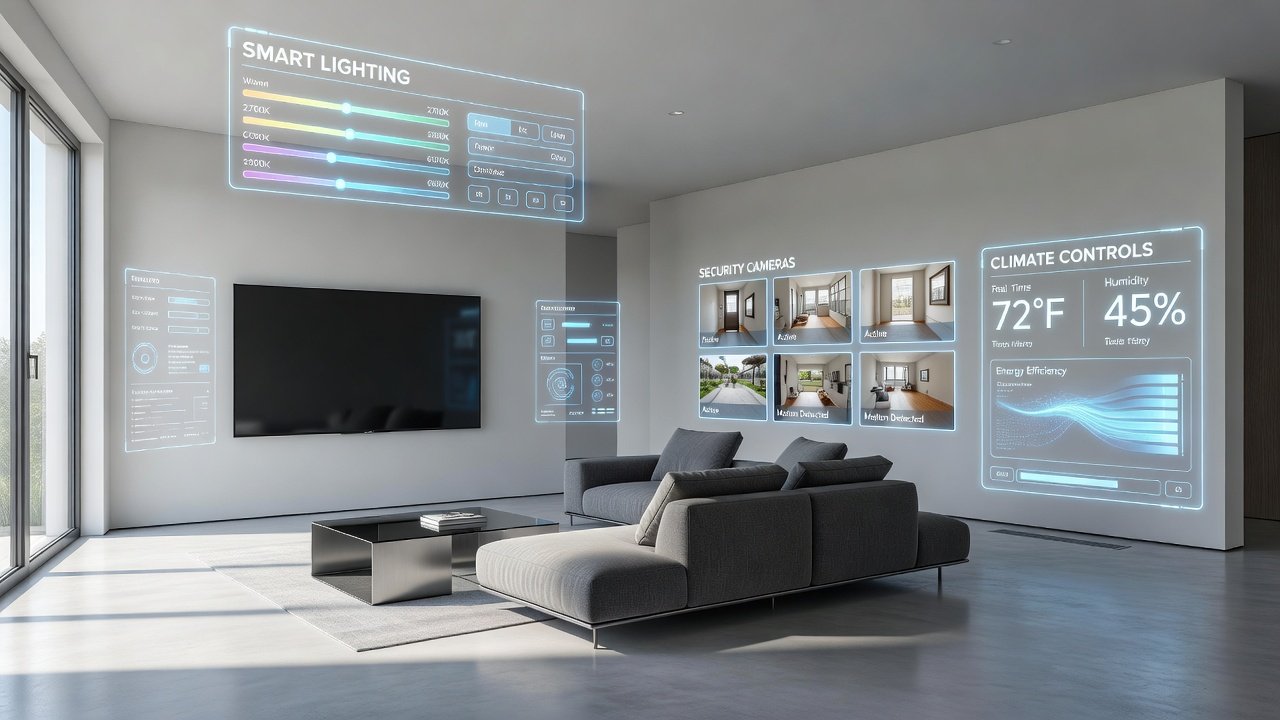
Homeowners in 2026 are increasingly turning to augmented reality tools to plan smart home upgrades before making any physical changes. These apps overlay digital models of smart devices onto real-world spaces, allowing users to test integrations for lighting, security systems, and climate controls in their existing or renovating homes. This approach reduces costly mistakes and ensures compatibility with modern designs. Search intent for this topic often comes from tech-savvy homeowners who want to visualize outcomes without committing to purchases. AR planning bridges the gap between inspiration and execution by providing realistic previews that align with contemporary interior aesthetics and renovation timelines.
With the rise of connected living spaces, AR has become essential for testing how new technologies fit into daily routines. It supports informed decisions on device placement, energy efficiency, and overall system harmony.
How AR Apps Work with Smart Home Devices
Augmented reality apps use device cameras and sensors to map rooms accurately. Users scan their space, then drag-and-drop virtual smart lights, cameras, or thermostats into the view. Advanced features include lighting simulations that show brightness levels at different times of day and security camera fields of view. Integration with existing ecosystems matters greatly. Many apps connect to platforms like Apple HomeKit or Google Home, letting you preview how new devices will interact with current setups. For deeper technical understanding, explore resources from Apple's developer site on AR frameworks. Similarly, Android users benefit from Google's AR capabilities detailed at Google's developer resources.
These tools rely on precise spatial mapping to avoid distortions, making them reliable for both small apartments and large homes undergoing full renovations.
Step-by-Step AR Setup for Lighting Upgrades
Start by downloading a compatible AR app on your smartphone or tablet. Open the app and grant camera access, then scan the target room slowly to create a 3D map. Select lighting options from the device library and position virtual bulbs or fixtures. Adjust colors, intensity, and schedules to see real-time effects. Test multiple configurations, such as layering ambient and task lighting. Consider how natural light interacts with smart bulbs during morning versus evening hours. Save your favorite layouts for later reference or sharing with contractors. This process helps identify optimal zones for dimmable lights or color-changing LEDs that complement modern home designs.
Advanced users can incorporate voice control previews to simulate daily interactions, ensuring the setup feels intuitive once installed.
Planning Security Systems with AR
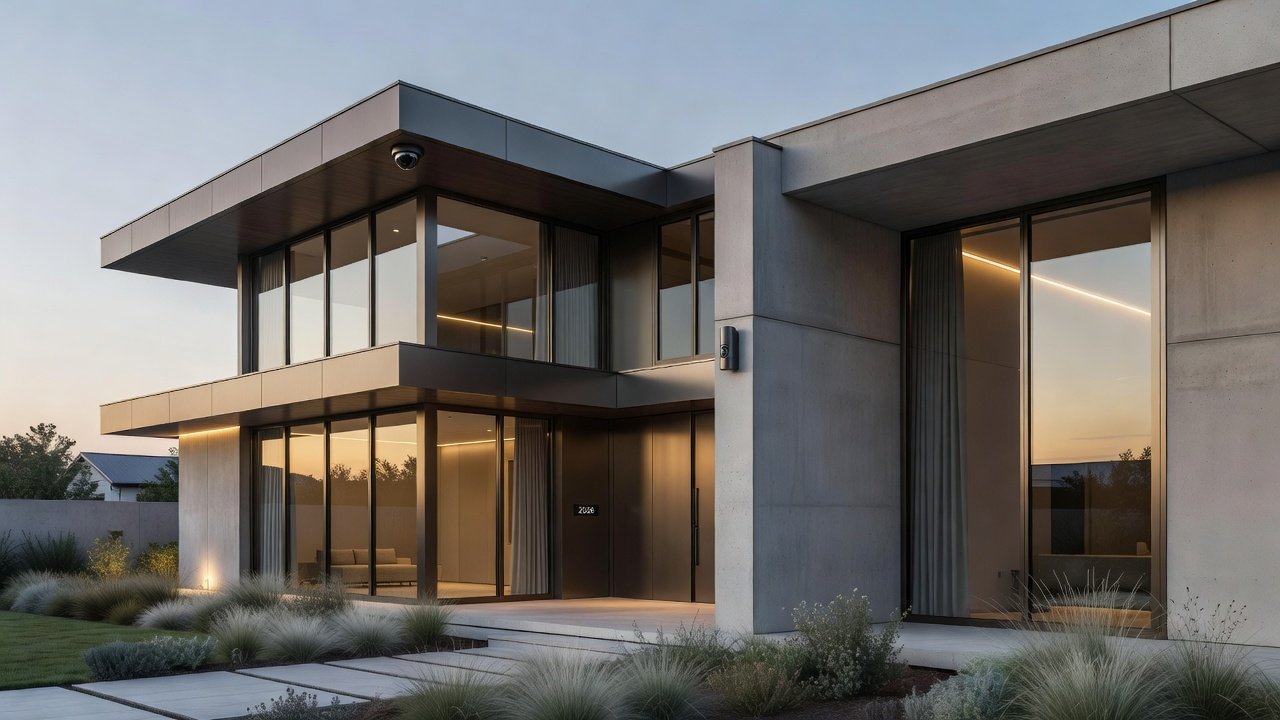
For security upgrades, use AR to place virtual cameras and sensors. The app calculates coverage angles and blind spots automatically. Walk through the simulated space to verify no vulnerabilities exist. Combine with motion detection previews to understand how alerts would trigger in daily routines. This helps optimize placement for both effectiveness and aesthetics, such as hiding sensors within architectural features. Real examples show families using this method to secure entry points while maintaining clean visual lines in renovated spaces.
Climate Control Visualization
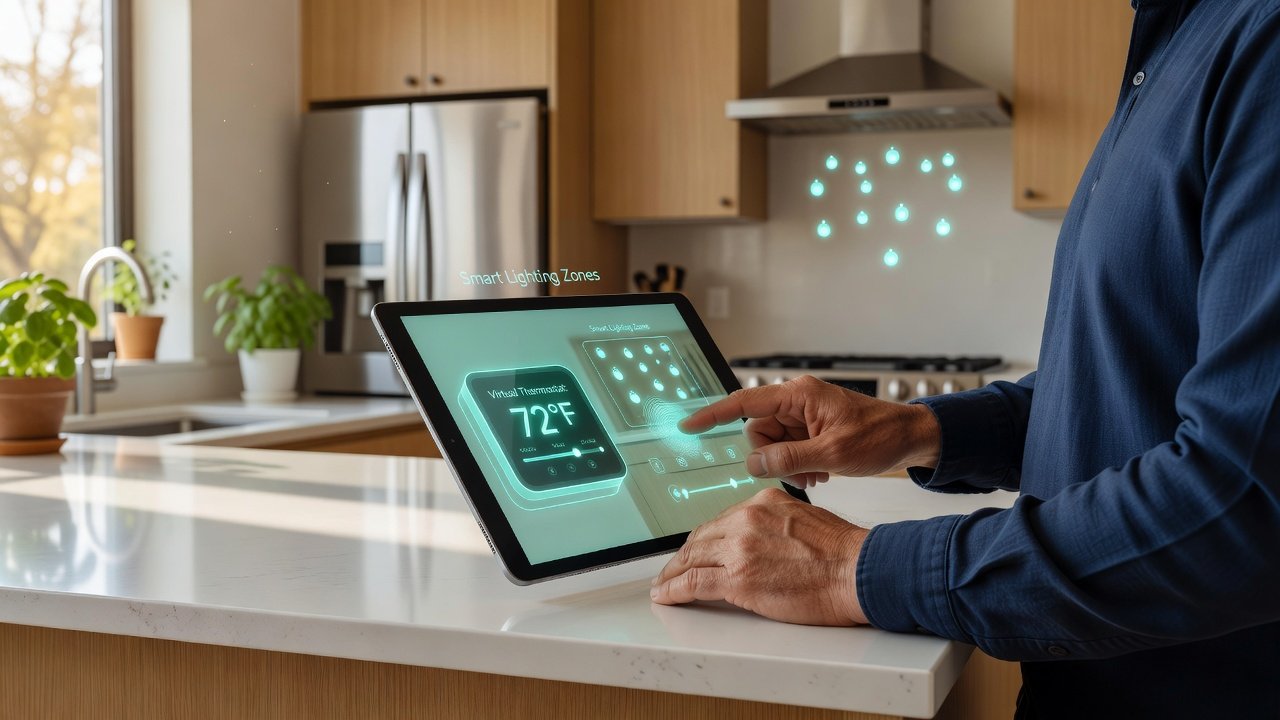
AR tools for climate allow placement of smart thermostats and vents. Simulate airflow patterns and temperature zones across seasons. Users can test energy-saving modes by adjusting virtual settings and observing projected impacts. This step proves especially useful in renovations involving insulation or window changes, where precise zoning prevents hot or cold spots. Homeowners often discover how integrating smart vents with existing HVAC systems improves overall comfort without major structural alterations.
Comparing Top AR Tools for 2026
Several leading apps stand out for smart home planning. Apple's ARKit-powered tools offer seamless integration with iOS devices and HomeKit ecosystems. Google's ARCore provides similar capabilities on Android with strong Google Home support. Other options include specialized apps from manufacturers like Philips Hue for lighting-focused previews. Key comparison factors include device library size, ease of export for professional use, and accuracy of simulations. Homeowners should try free versions first to match their hardware. Cross-platform compatibility is another consideration, especially for mixed-device households. For standards on smart home interoperability, refer to guidelines from established bodies like those found on NIST's official site.
Real-Home Examples and Success Stories
In one suburban renovation project, a family used AR to reposition security cameras and smart bulbs, resulting in a layout that improved both security coverage and energy efficiency without rewiring. Another urban apartment owner visualized climate controls around new smart vents, avoiding conflicts with existing HVAC systems. A third case involved a couple planning a kitchen overhaul who tested multiple lighting schemes to ensure task areas were properly illuminated while preserving the room's open feel. These examples highlight how AR turns abstract ideas into tangible plans that save time and resources during actual installation phases.
Practical Checklists for AR Planning
- Measure room dimensions accurately before scanning.
- Ensure your phone's software is updated for best AR performance.
- List all existing smart devices for compatibility checks.
- Simulate daytime and nighttime conditions.
- Export plans and review with an electrician or installer.
- Test network connectivity in each room to confirm reliable smart device performance.
- Document multiple layout options for comparison with family members or design professionals.
Common Pitfalls to Avoid
One frequent mistake is relying on outdated device libraries that miss newer 2026 models. Always update apps before major planning sessions. Another issue involves ignoring scale accuracy, leading to oversized virtual fixtures. Cross-check measurements manually. Finally, avoid overlooking network requirements; AR previews work best on strong Wi-Fi connections. Overlooking future-proofing, such as leaving room for emerging protocols, can also limit long-term value of the upgrades.
Potential Cost Savings with AR Planning
By testing integrations virtually, homeowners often reduce material waste and installation revisions. Qualitative benefits include better device selection that matches long-term needs, leading to lower ongoing energy and maintenance expenses. This proactive approach minimizes rework and supports budget-conscious renovation strategies.
FAQ Section
Does AR work with older smart home systems?
Many apps support legacy devices through bridging hubs, though newer protocols offer smoother experiences.
Are AR tools accurate for professional renovations?
Yes, when combined with on-site measurements; they serve as excellent starting points for contractors.
Can I use AR without buying new devices immediately?
Absolutely—the visualization phase is free in most apps and helps prioritize upgrades.
How does AR handle multi-story homes?
Most apps allow separate room scans that can be combined into a full project view for comprehensive planning.
What if my space has unusual architecture?
AR tools adapt well to custom layouts; manual adjustments help refine virtual placements in challenging areas.
Conclusion
AR planning tools empower smarter decisions for 2026 smart home renovations. By following structured steps for lighting, security, and climate controls, comparing apps thoughtfully, and using checklists to avoid pitfalls, homeowners achieve efficient, satisfying results. Start experimenting today to transform your space with confidence.
No comments yet. Be the first!