 Fixated on Home
Introduction
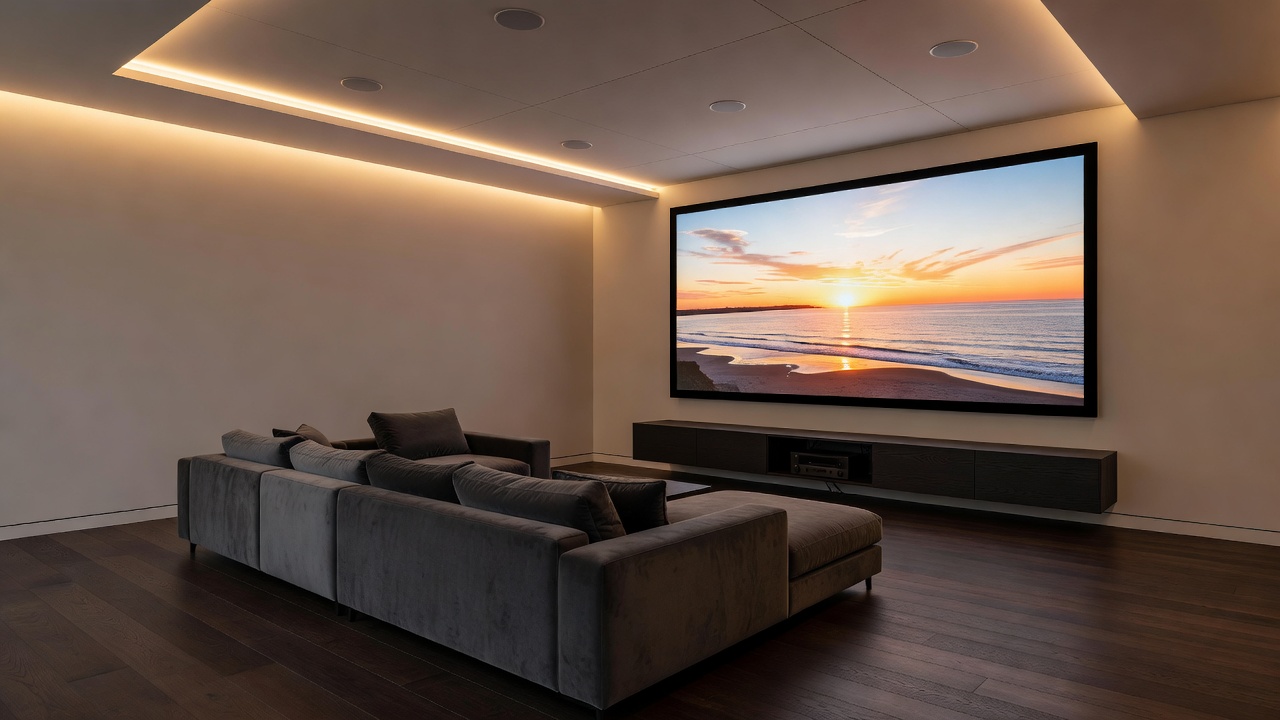
Renovating a home theater offers the perfect opportunity to blend cutting-edge smart technology with elegant design. Homeowners increasingly seek upgrades that deliver immersive audio-visual experiences while maintaining a clean, modern aesthetic. Smart home integrations allow seamless control through voice assistants like Alexa or Google Assistant, transforming ordinary spaces into personalized entertainment hubs. These upgrades enhance both functionality and visual appeal, syncing projectors, audio, and lighting into unified systems that respond intuitively to your commands. Whether you are updating an existing basement room or building a dedicated media space from scratch during a full renovation, thoughtful smart technology choices can elevate the entire experience. The goal is to create an environment where every element works together effortlessly, reducing clutter and maximizing enjoyment for movie nights, gaming sessions, or casual streaming.
Planning Your Smart Home Theater Renovation
Successful integration begins with thoughtful planning. Assess your existing room layout, electrical infrastructure, and internet connectivity to ensure compatibility. Consider how smart devices will interact with your home's overall design to avoid clutter and maintain a cohesive look. Start by mapping out zones for seating, projection, and acoustics. Consult professionals for structural changes if needed during the renovation phase. Evaluate room dimensions, window placements for light control, and potential acoustic treatments such as sound-absorbing panels that can be hidden behind fabric or built into walls. Think about future scalability, including space for additional devices like gaming consoles or streaming boxes that may join the ecosystem later. A detailed floor plan helps identify where to place power outlets, network drops, and mounting hardware before drywall or flooring is installed.
Selecting Compatible Smart Projectors
Smart projectors form the centerpiece of any upgraded theater. Look for models supporting 4K resolution, HDR, and built-in streaming apps that connect directly to Wi-Fi. Compatibility with voice assistants ensures hands-free operation for play, pause, and input switching. Popular choices include units from established brands that offer app-based calibration for optimal image quality in varying lighting conditions. When comparing options, examine throw distance requirements, brightness levels measured in lumens, and whether the projector supports automatic keystone correction and focus. Some advanced models integrate directly with smart home hubs, allowing you to start a movie and simultaneously dim lights with a single voice command. Consider both ultra-short throw projectors that sit close to the screen and traditional long-throw models depending on your room size and seating arrangement.
Choosing Smart Sound Systems
Audio upgrades should prioritize immersive surround sound. Wireless multi-room speakers allow flexible placement without visible cables. Systems that integrate with Dolby Atmos deliver three-dimensional soundscapes ideal for movies and gaming. Ensure the system pairs effortlessly with projectors and supports voice control for volume and scene selection. Explore soundbars with upward-firing drivers for height effects, in-ceiling speakers for discreet installation, and subwoofers that deliver deep bass without dominating the visual space. Many modern systems feature room calibration tools that use built-in microphones to analyze acoustics and automatically optimize output. This level of customization ensures balanced sound whether you are watching action films or listening to music in stereo mode.
Integrating Lighting Controls
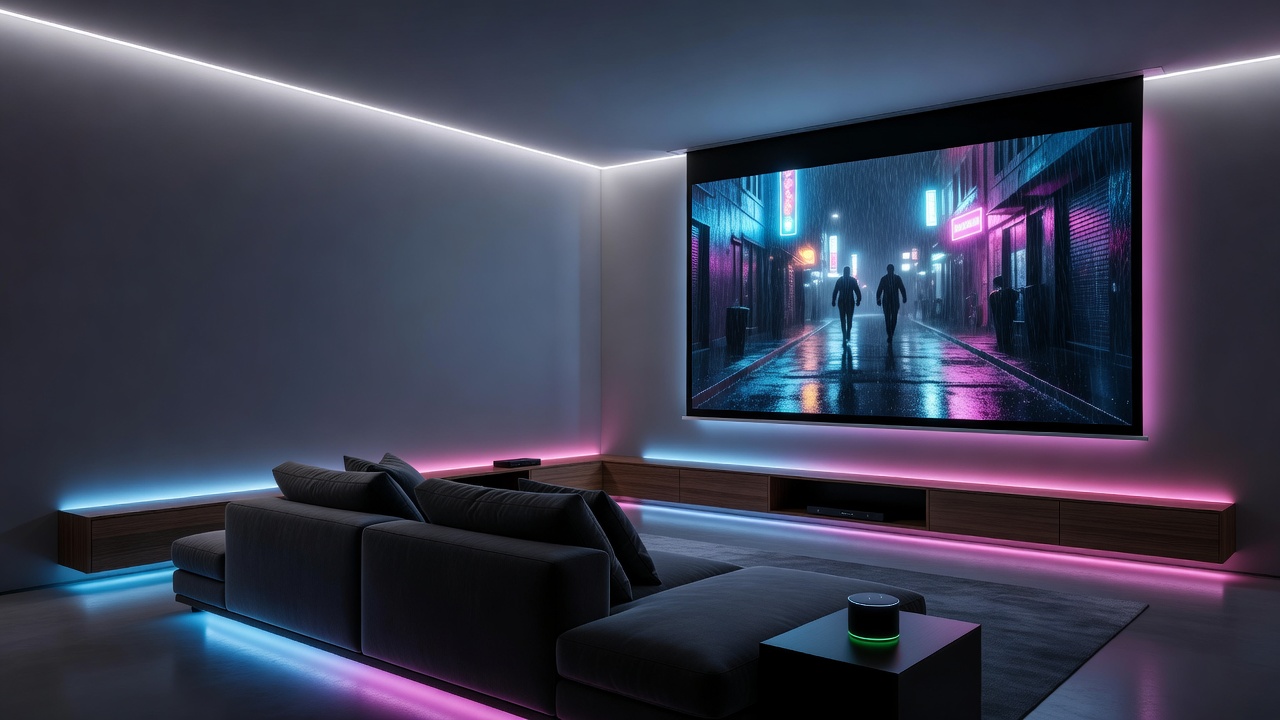
Smart lighting elevates ambiance by syncing with content. Automated dimming and color-changing bulbs create cinematic moods, from vibrant scenes to subtle glows during credits. Integration via hubs allows voice commands to adjust everything simultaneously. Philips Hue and similar ecosystems provide reliable connectivity and aesthetic fixtures that complement contemporary interiors. Beyond basic dimming, consider tunable white lighting that shifts from cool daylight tones during setup to warm evening hues during playback. Motion sensors can trigger subtle pathway lighting when entering the room, while scenes can be programmed for different activities such as sports viewing or family game nights. These lighting upgrades not only improve the viewing experience but also contribute to energy efficiency by automatically turning off when the room is unoccupied.
Step-by-Step Installation Examples
Begin with pre-wiring during renovation for power and network points. Mount the projector ceiling bracket first, followed by speaker placement using brackets or in-wall options. Connect devices to a central smart hub, then configure the app for voice assistant linkage. Test each component individually before full system activation. Final calibration ensures balanced audio-visual output tailored to your room acoustics. For a more detailed example, first run CAT6 cabling and dedicated power lines to the projector location and entertainment center. Next, install in-wall speaker wire or wireless transmitter modules behind the screen wall. After mounting the projector, download the manufacturer's app to perform initial setup, including network connection and firmware updates. Pair the sound system through the same app, then link everything to your chosen voice assistant by enabling the corresponding skill or action. Run test content to verify lip sync, surround imaging, and lighting response before inviting family members to enjoy the finished space.
Wired Versus App-Based Setups Comparison
- Wired setups: Offer stable connections with minimal latency, ideal for high-bandwidth content, though installation requires more invasive cabling during renovations.
- App-based setups: Provide wireless flexibility and easier updates, but may experience occasional interference in larger spaces.
Many homeowners choose hybrid approaches for optimal reliability and convenience. Wired connections excel in dedicated theaters where maximum performance is required, while app-based wireless options suit multi-purpose rooms that need flexibility. Hybrid systems often use wired backbones for critical AV signals combined with wireless control layers for lighting and voice commands.
Real-World Case Studies
One suburban family transformed a basic basement into a smart theater by installing a voice-controlled projector and Atmos soundbar. Before the renovation, the space felt dated; afterward, it became a daily gathering spot with automated lighting that responded to movie genres. Another urban loft project used app-based controls to integrate existing furniture with new smart elements, preserving minimalist aesthetics while adding immersive features. A third example involved a couple renovating their attic into a compact media room. They chose a short-throw projector mounted on a custom credenza, paired with wireless rear surround speakers hidden in built-in shelving. The smart lighting system was programmed to create a gradual fade-in effect at the end of films, enhancing the transition back to normal room use. Each case demonstrates how smart upgrades can be tailored to different architectural constraints and lifestyle needs.
Budget Considerations and Pitfalls to Avoid
Focus on scalable investments, starting with core AV components before expanding to full automation. Prioritize devices with strong ecosystem support to prevent future compatibility issues. Common pitfalls include overlooking Wi-Fi strength or choosing non-updatable hardware. Always verify device certifications for your chosen voice assistant and test integrations early in the process. Additional considerations include planning for surge protection on all connected devices and ensuring adequate ventilation around projectors to prevent overheating. Avoid placing wireless access points too far from the main entertainment area, as weak signals can disrupt streaming and voice control reliability.
Enhancing Aesthetic Appeal in Contemporary Spaces
Smart upgrades should never compromise visual design. Choose projectors with hidden mounting solutions, speakers that blend into walls or ceilings, and lighting fixtures that double as architectural elements. Cable management systems and recessed enclosures keep technology invisible when not in use, allowing the room to serve dual purposes as a living area or guest space. Color palettes for lighting can be selected to match existing decor, creating a seamless transition between entertainment mode and everyday living.
Maintenance and Future-Proofing
Regular firmware updates keep all components secure and feature-rich. Schedule annual professional calibrations to maintain optimal performance as room conditions change. When selecting devices, prioritize those with long-term software support and open APIs that allow integration with emerging technologies. This approach protects your investment and ensures the theater remains enjoyable for years after the renovation is complete.
FAQ
Can smart systems work with older home designs?
Yes, many wireless solutions retrofit easily without major structural changes, though professional assessment helps identify optimal placement.
How do I ensure voice assistant compatibility?
Select devices certified for Alexa, Google Assistant, or Siri, and use a central hub for unified control.
What maintenance is required post-installation?
Regular firmware updates and occasional recalibration keep systems performing at peak levels.
Are smart home theater upgrades energy efficient?
Most modern systems include automatic power-saving modes and can be monitored through apps to track usage patterns.
Can I add smart features after the initial renovation?
Yes, many components are designed for easy expansion, allowing gradual addition of new devices as budgets and preferences evolve.
Conclusion
Smart home upgrades during theater renovations create spaces that are both technologically advanced and visually stunning. By focusing on compatible components, careful planning, and user-friendly controls, homeowners achieve lasting entertainment value and elevated living experiences. The combination of immersive audio-visual performance with intuitive smart controls transforms a simple room into a versatile, future-ready entertainment destination that enhances daily life and property value alike.
No comments yet. Be the first!