 Fixated on Home
Introduction
Modern home gym renovations in 2026 increasingly blend fitness functionality with smart home technology. Homeowners seek seamless integration that enhances workouts while maintaining aesthetic appeal and energy efficiency. This comprehensive guide explores selecting compatible devices, detailed installation processes, design strategies, and practical considerations tailored to contemporary living spaces. Whether you are updating a spare room in a suburban house or carving out a compact area in a city apartment, understanding how these upgrades work together helps create a motivating environment that supports consistent training routines and long-term health goals.
Choosing the Right Smart Mirror for Your Gym
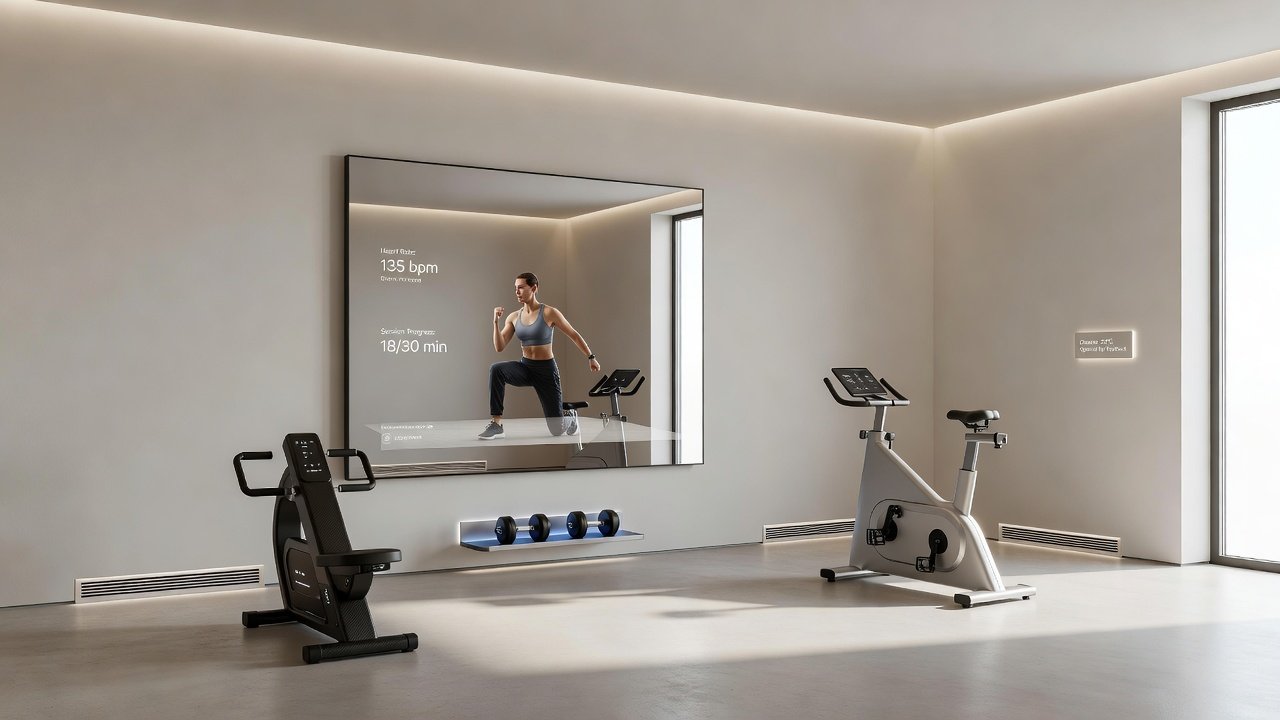
Smart mirrors serve as central hubs for fitness tracking and virtual coaching. Look for models with high-resolution displays, built-in cameras, and compatibility with major fitness apps. Consider screen size relative to your wall space and ensure the device supports voice commands for hands-free operation during intense sessions. When evaluating options, prioritize mirrors that integrate with existing home ecosystems like Apple HomeKit or Google Home for unified control. Real-world examples show users pairing these mirrors with wearable devices to display live heart rate, form corrections, and workout history on screen. Additional features such as ambient lighting that adjusts based on time of day or user preference further enhance the experience without overwhelming the space.
Integrating Connected Fitness Equipment
Connected treadmills, weights, and resistance machines offer real-time performance metrics and personalized training programs. Choose equipment that syncs via Bluetooth or Wi-Fi with your smart mirror and smartphone apps. This creates a cohesive system where data from multiple devices feeds into one dashboard. For instance, a smart rowing machine can automatically adjust resistance levels based on previous session data pulled from a cloud profile. Homeowners often combine these with strength training tools that track repetitions and suggest progressive overload plans. The result is a fully connected ecosystem that reduces the need for separate tracking apps and encourages longer, more effective sessions.
Smart Climate Control Systems
Optimal gym environments require precise temperature and humidity management. Smart thermostats and ventilation systems maintain ideal conditions—typically between 65 and 72 degrees Fahrenheit with controlled humidity—to prevent overheating and equipment corrosion. Installation often involves replacing existing HVAC controls with Wi-Fi-enabled units that learn usage patterns and integrate with occupancy sensors. In larger renovations, zoning systems allow different areas of the home to maintain separate climates so the gym stays cool while living spaces remain comfortable. These setups also monitor air quality and can activate purifiers automatically during high-intensity workouts.
Wireless vs Wired Systems: Pros and Cons
- Wireless systems: Easier installation, flexible placement, and minimal disruption to existing walls, but may face signal interference in dense urban buildings or multi-story homes. Mesh networks can mitigate these issues effectively.
- Wired systems: More reliable connectivity and consistent power delivery, though they require professional routing during renovations and may increase upfront labor costs.
- Hybrid approaches: Many 2026 projects combine both for redundancy, using wireless for mirrors and sensors while opting for wired connections on heavy equipment that demands stable power.
Evaluating your building's construction and internet infrastructure helps determine the best balance for reliability and convenience.
Step-by-Step Installation Guides
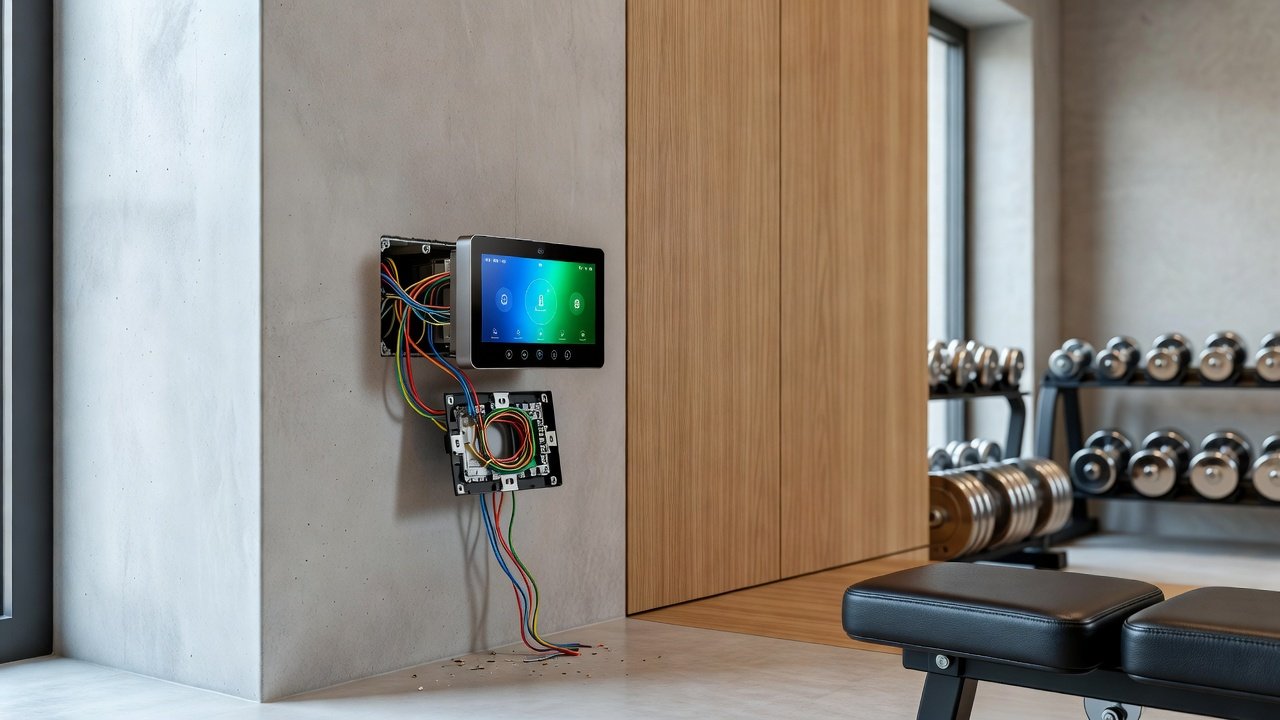
Begin by mapping electrical and network needs throughout the space. Mount the smart mirror at eye level after confirming stud locations, connect it to dedicated power and Wi-Fi, then pair with apps and other devices. For climate controls, shut off power at the breaker, install the new thermostat following manufacturer diagrams, and configure schedules via the companion app. Test all integrations thoroughly before applying final wall finishes or paint. When adding connected equipment, ensure proper grounding and consider surge protection. Professional electricians are recommended for any hardwired additions to maintain safety and code compliance.
Blending Tech with Minimalist Layouts
Hide cables behind walls and select devices with slim profiles that recede visually into the room. Use neutral color palettes that match existing decor so technology feels like a natural extension rather than an addition. Recessed lighting controlled by smart switches creates a clean look while supporting focused workouts at any hour. Incorporate built-in shelving that doubles as storage for accessories and discreetly houses smaller sensors or speakers. This approach keeps the gym feeling open and uncluttered even when multiple smart devices are active.
Maximizing Space in Urban Homes
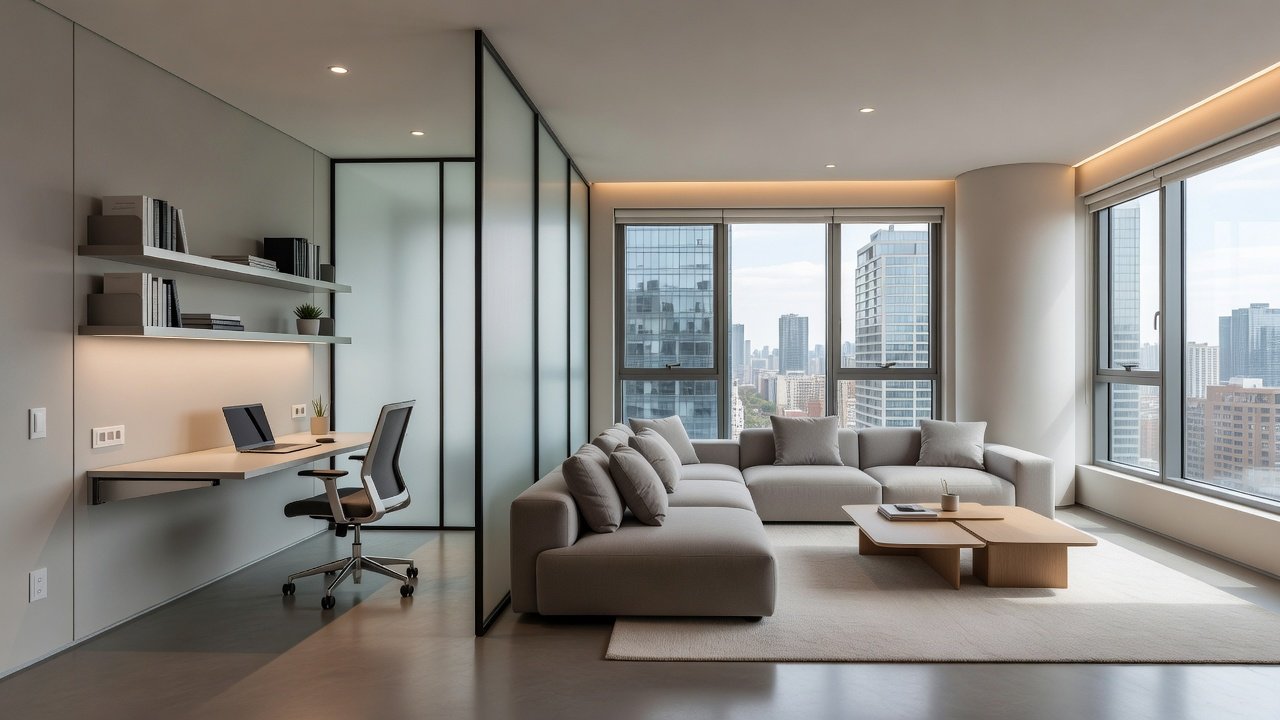
Vertical storage solutions and foldable equipment paired with smart tracking apps help urban dwellers optimize small areas. Multi-use zones that convert from gym to living space via automated dividers or motorized screens are popular in city apartments. Examples include wall-mounted smart resistance bands that fold away and mirrors that double as decorative panels when not in use. Careful planning around traffic flow ensures the space remains functional for daily life while delivering high-quality workouts.
Energy-Efficient Setups with Real Examples
LED lighting, efficient motors in connected machines, and smart power strips reduce overall consumption. Homeowners report noticeable improvements in utility management after integrating practices from the U.S. Department of Energy. Pairing these with guidelines from CDC physical activity resources supports both environmental and personal wellness goals. Additional examples involve scheduling equipment to power down automatically outside peak hours and using sensors to adjust lighting only when the gym is occupied.
Common Mistakes to Avoid
One frequent error is overlooking future compatibility when selecting devices, leading to isolated systems that cannot communicate. Another is underestimating ventilation needs, which can result in uncomfortable or unsafe conditions during extended sessions. Skipping professional consultation for electrical work may also create long-term reliability issues. Planning for scalability from the start prevents costly rework later.
Maintenance and Future-Proofing
Regular software updates keep all components secure and functioning optimally. Schedule annual checks of sensors and connections, and consider adding new protocols such as Matter for broader interoperability. This forward-thinking approach ensures your gym remains relevant as technology evolves through 2026 and beyond.
Conclusion
Thoughtful smart upgrades transform home gyms into efficient, enjoyable spaces. Focus on compatibility, ease of installation, and design harmony to achieve lasting results in 2026 renovations while supporting consistent fitness progress.
FAQ
What smart devices are most compatible in 2026?
Devices supporting the Matter protocol offer broad interoperability across ecosystems and reduce the risk of future obsolescence.
How do I manage budget concerns for these upgrades?
Prioritize core items like mirrors and thermostats first, then expand gradually as your needs and savings allow. Many users start with wireless options for lower initial investment.
Are wireless systems reliable for gyms?
Yes, with proper mesh network setup they perform well, though wired options provide extra stability for critical equipment that runs for long periods.
Can these upgrades work in rented urban apartments?
Many wireless and portable solutions require no permanent modifications, making them suitable for renters who want smart features without altering the property.
No comments yet. Be the first!